
-

50. Moho-Invisible Progress
Post 50 – also known as the Plateau Effect. Today marks 50 posts in Moho. It feels like it should be more of a milestone, but most days it just feels like I’m slugging through. This week, I thought I’d spend some time talking about the mental side of learning something new. I’ve been listening…
-

49. Moho-Timing Charts
Post 49 –Timing is everything. Well, technically, this is Week THREE of Adam’s Animation Academy’s Moho Magic Animation Course with Dani Abram, Moho Ambassador. However, this week covers a lot: two rigs, storytelling poses, turnarounds, blocking, and smoothing performance. So we’re going to pause the class again, because I want to build my own rigs…
-
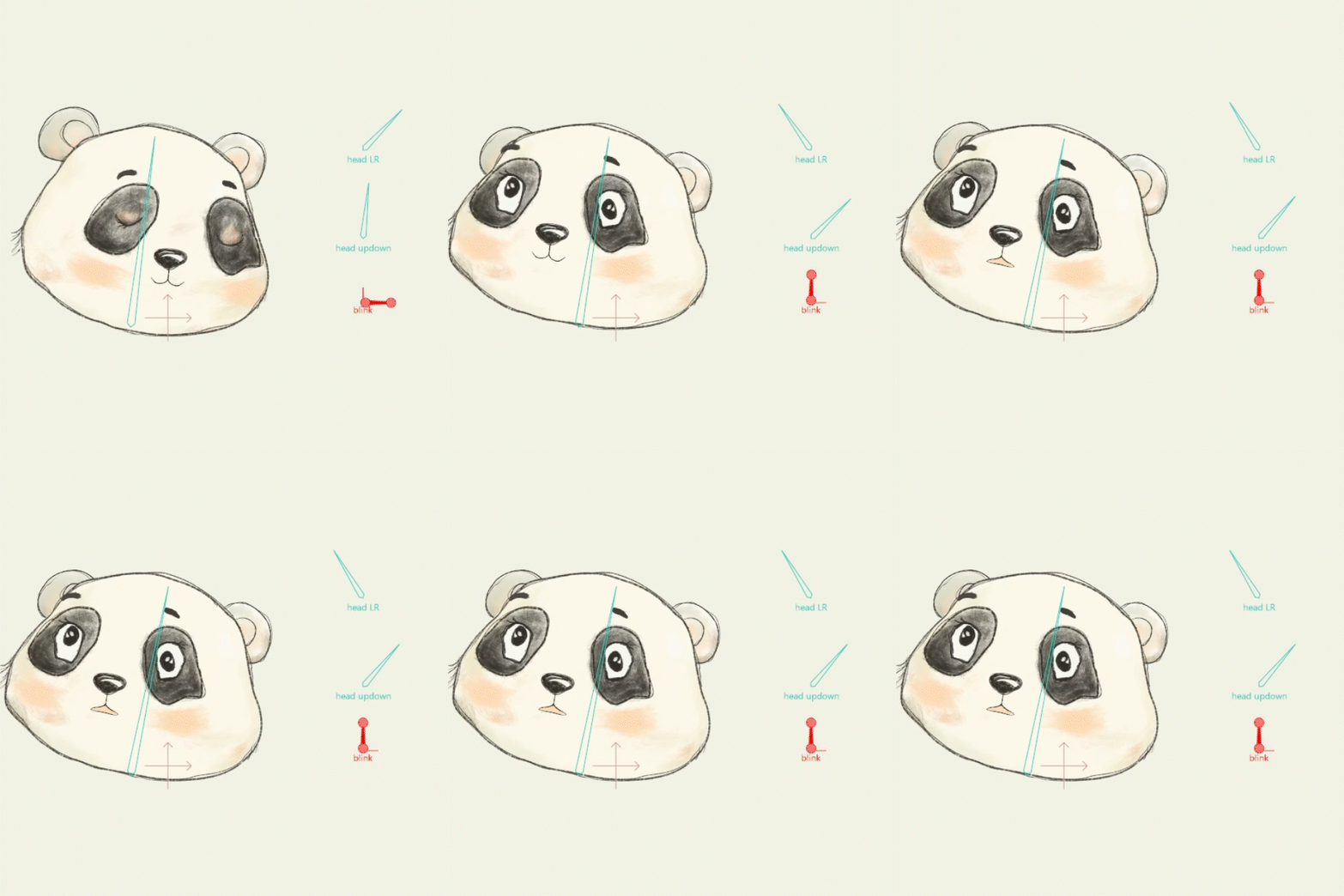
48. Moho Magic Animation Course- Week Two.
Post 48 –Anticipation I am definitely running out of superlatives for this course. It really is absolutely amazing! This week is Week TWO of Adam’s Animation Academy, Moho Magic Animation Course, with Dani Abrams, Moho Ambassador. At this point, I am so thrilled that I took both courses together. I can’t imagine having taken only…
-

47. Moho Magic Animation Course- Week One.
Post 47 –Bounce that Ball Well, I thought I had a bit longer in between courses, but opps, apparently not. This week actually starts Week ONE of Adam’s Animation Academy, Moho Magic Animation Course, with Dani Abrams, Moho Ambassador. So, we’ll have to wait on the bonus section of the Moho Magic Rigging Course until…
-
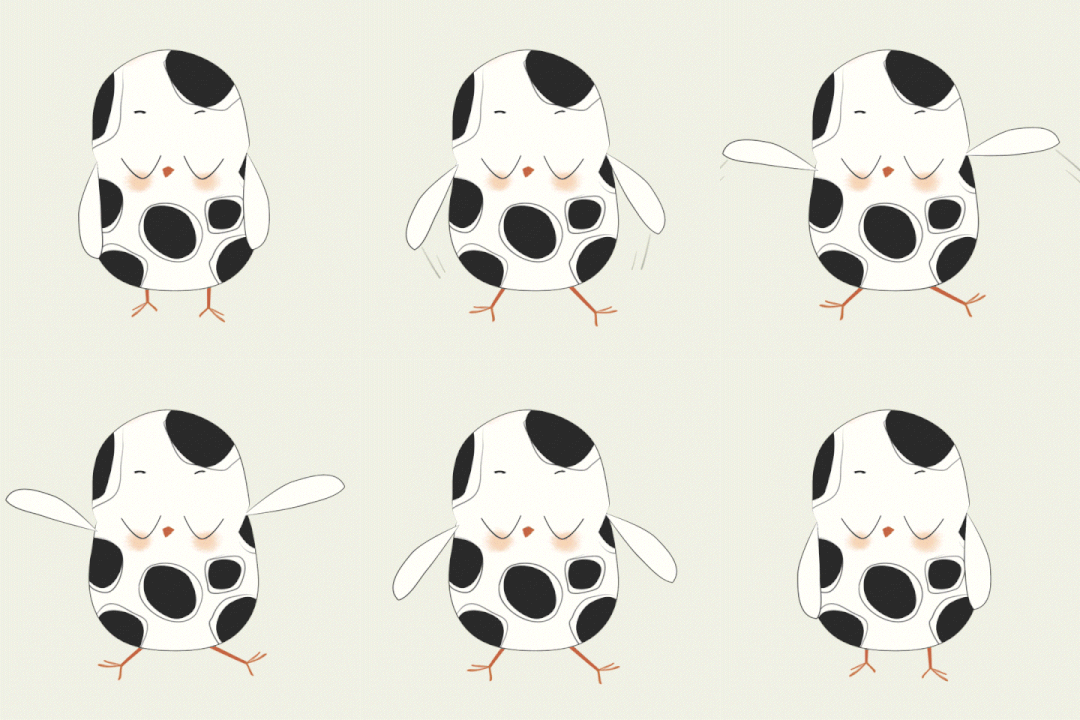
46. Moho Magic Rigging Course- Week Three (b).
Post 46 –Full head turn. Still in week THREE of Adam’s Animation Academy, Moho Magic Rigging Course, with Dani Abrams, Moho Ambassador. As I mentioned last week, the learning is absolutely EPIC. Dani is so thorough. Even though the videos are asynchronous, they feel a lot like guided practice, because she doesn’t execute everything perfectly.…
-
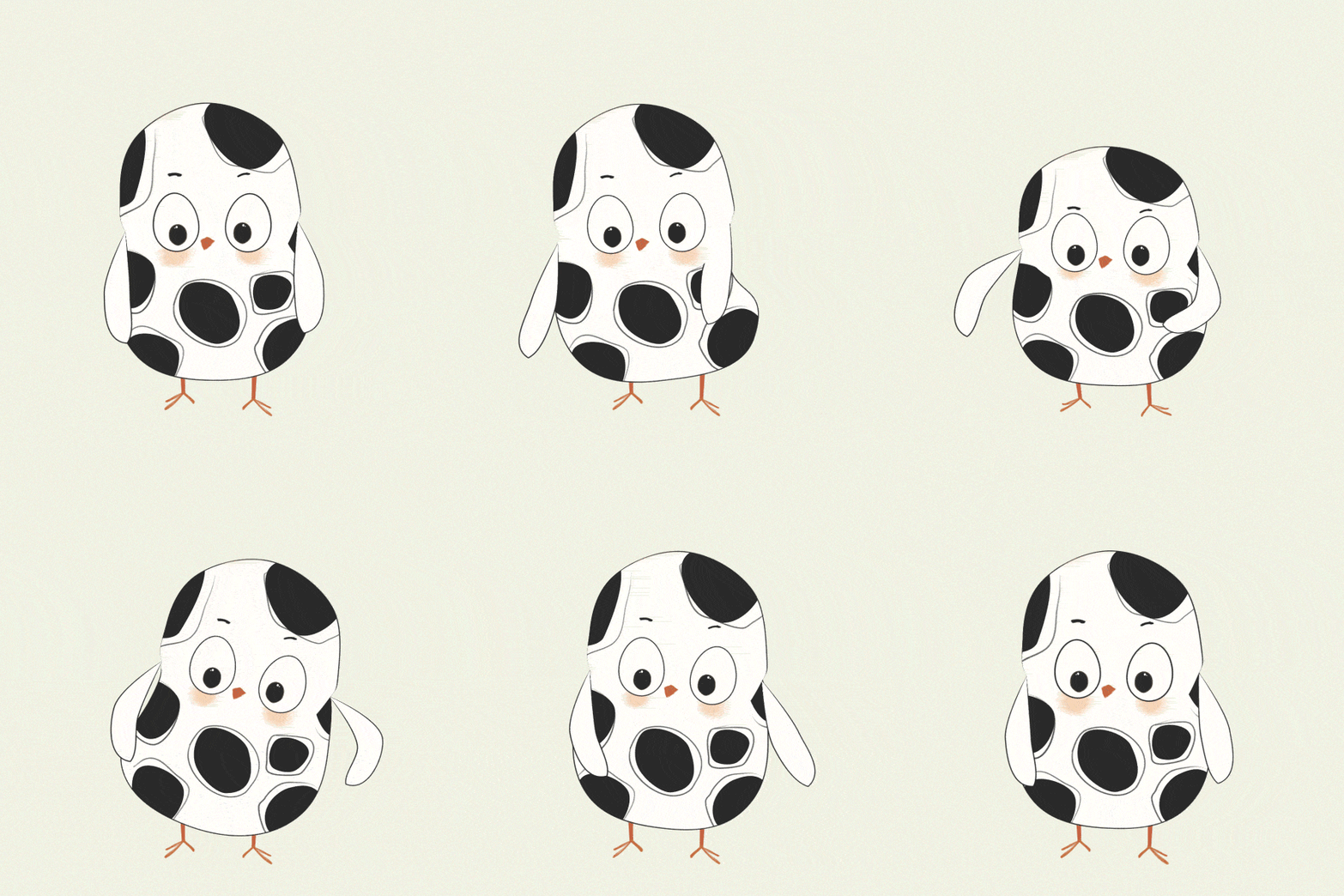
45. Moho Magic Rigging Course- Week Three.
Post 45 –Rigging & Holy head turn We are Week THREE of the Adam’s Animation Academy, Moho Magic Rigging Course, with Dani Abrams, Moho Ambassador. Too much learning to even summarize in a single blog post. I am honestly still trying to assimilate it all, my head may just explode. Will mostly focus on rigging and…
-
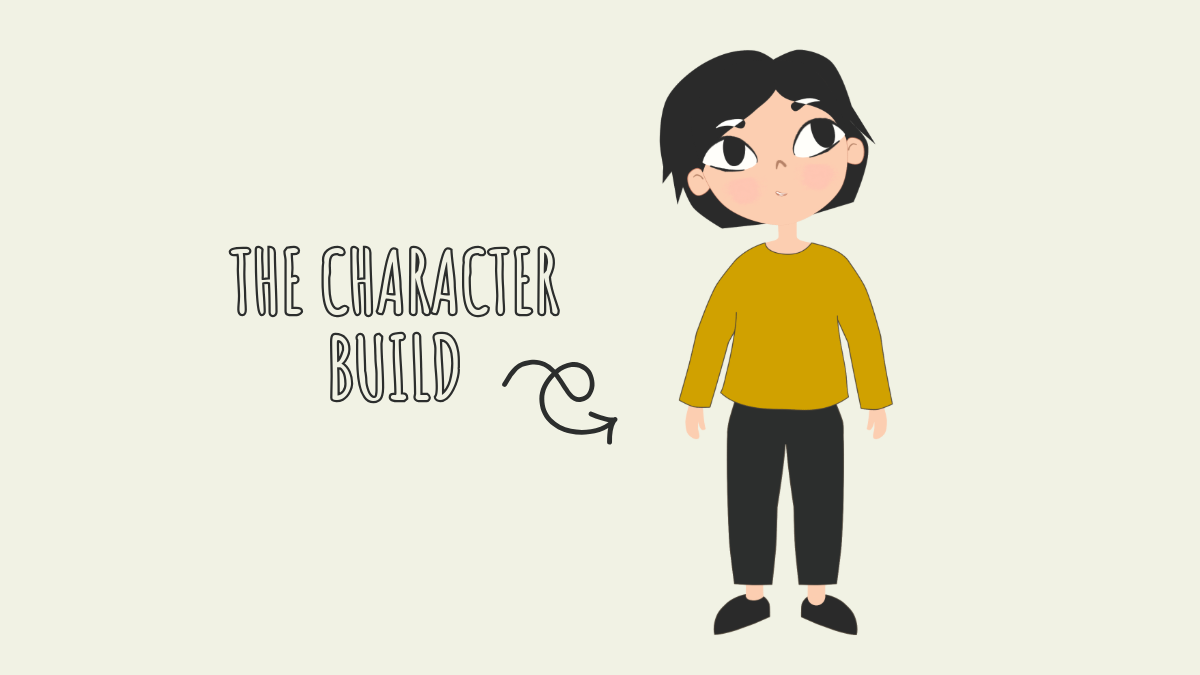
44. Moho Magic Rigging Course- Week Two.
Post 44 –Character Building Wow! Loads of learning in Week Two of the Adam’s Animation Academy, Moho Magic Rigging Course, taught by thee Dani Abrams, Moho Ambassador. The vector build begins, and you work from top to bottom: head, eyes, mouth, hair, body, joints, legs, shoes and hands. If you want to learn how to build…
-

43. Moho Magic Rigging Course- Week One.
Post 43 – moho magic🪄 This week, I started the Moho Magic Rigging Course by the amazing Dani Abram, Moho guru and expert rigger. I’m currently 12% through the course, and so far, the topics have included the UI workspace, project settings, the Draw menu, and the Styles menu. Even though much of it has been review…
-

42. Appealing Loopable Animation in Moho
Post 42 – get loopy Today’s highlighted webinar walks you through how to design, rig, and animate a seamless animation loop using Moho’s vector tools. It walks you through the entire creative process, from rough storyboards to fluid character motion. It is such a great tutorial for creating a fun loopable animation! Things to Know:…
-

41. Additive Walk Cycle in Moho
Post 41 – Walk On (Or Off, if you want to) Today’s tutorial is about getting your character to walk across the screen instead of simply looping a walk cycle in place. Up until now, I’ve been moving characters with the Transform tool. It works, but the walk cycle and the character’s movement are disconnected.…
-
40. Walking & Spinning out in Moho.
Post 40 – Spin on. It is exactly 17 days until I start Moho Magic- Rigging Course, I’m very excited to actually take a proper course, and discover where I am doing something (or everything) wrong. I’ve managed to get this far by using the free YouTube course Learning Moho from Beginner to Expert ,…
-

39. Hacking my way through Moho.
Post 39 – Spinning wheels and Koinobori. Well, here I am again, still playing around in Moho. I guess we’re calling this Post 39. Today’s challenge was trying to make spinning wheels. Let’s just say I quickly discovered that this is way outside my current skill level. I could not get the road cycling correctly,…
-
Simple Steps to Rig Your Puppet in Adobe Character Animator
After setting up your puppet files in Photoshop , you will bring the files into Adobe Character Animator. Here, you “pin” the puppet—essentially giving your character a skeleton by placing anchor points with the Puppet Pin Tool. These points control movement, acting like handles, bones, and physics all working together. The result is a structure…
-

PS + Character Animator
I’ve been continuing to practice rigging in Adobe Character Animator, which reads character files from Photoshop (or Illustrator). I strongly prefer drawing in Procreate, though, so after I finish my artwork I bring everything into Photoshop and reorganize the layers so Character Animator can read them properly. It’s a bit tedious, but that’s the tradeoff…
-
Auto Swap
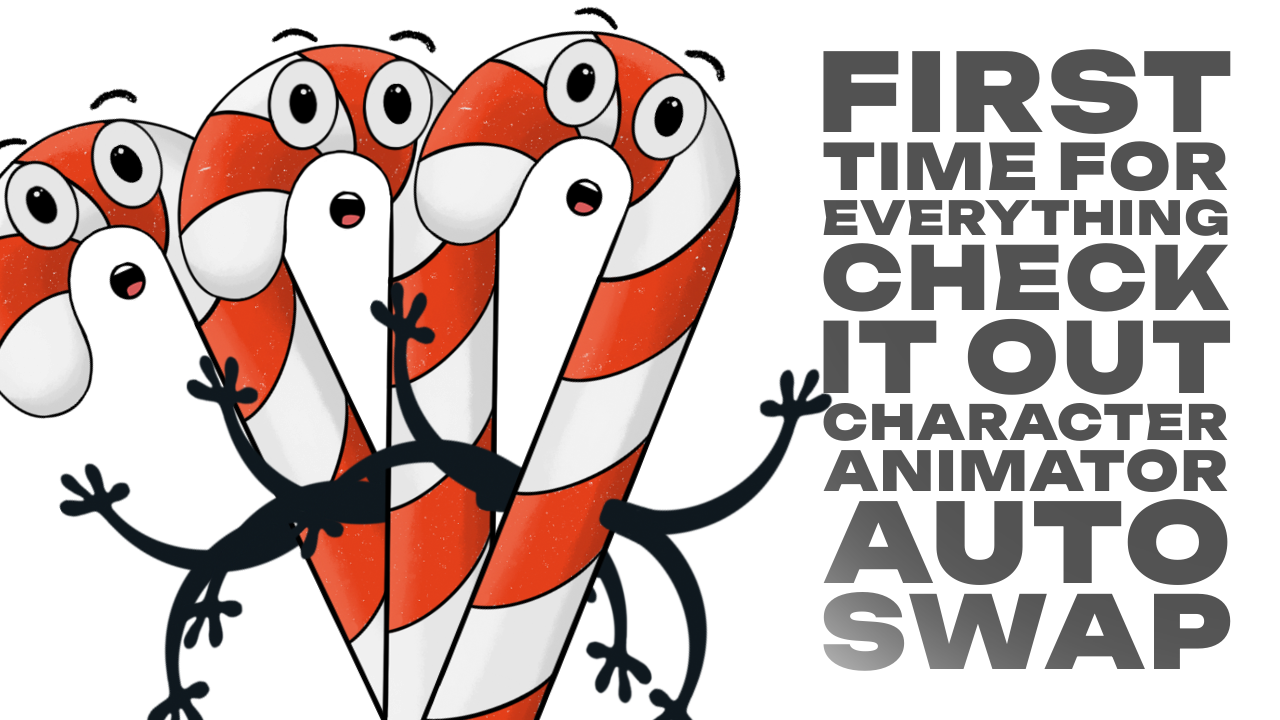
Tried Character Animator Auto Swap for the first time. It was… interesting. Kinda magic, kinda work in progress. I only set it up with two drawy arm drawings, which is probably the bare minimum you can get away with, and it showed. lol Sometimes the swap landed where I wanted. Other times it didn’t, but…
-

Character Animator
This might be the most fun creative work has felt in a long time. There’s something so deeply satisfying about getting lost in a new tool—this time, Adobe Character Animator. Who knows how long the program will stay relevant with so many new AI-driven tools popping up every week, but that’s beside the point. The…
-
screen break
What started as a short December break in 2024, turned into an almost eight-month hiatus. I did finish my master’s degree in Instructional Design and Technology (🎉 hooray for that!), but I’ve also been navigating some medical issues. That’s put me in a strange creative space. For me, creativity runs on energy—and when the energy…
-
move move move
Something unexpected and pretty amazing happened this month—Mr. @thedugmahnke, a DC comic artist, visited my site! Not only did he say it was “cool,” but he also shared one of my posts. What!? Who knew my little ‘O’ Owls would delight anyone lol. How fun is that? I’m going to print these screenshots and hang…
-

digital animation, experimental tech-niques
Learning and teaching are my passions, and one of my favorite learning platforms is Domestika! Over the past couple of years, I have purchased ten of their courses and enjoyed every one of them to varying degrees. Recently, Domestika changed its pricing structure to a flat fee of $19.99 per class or $109 for unlimited…
-
kings canyon national park
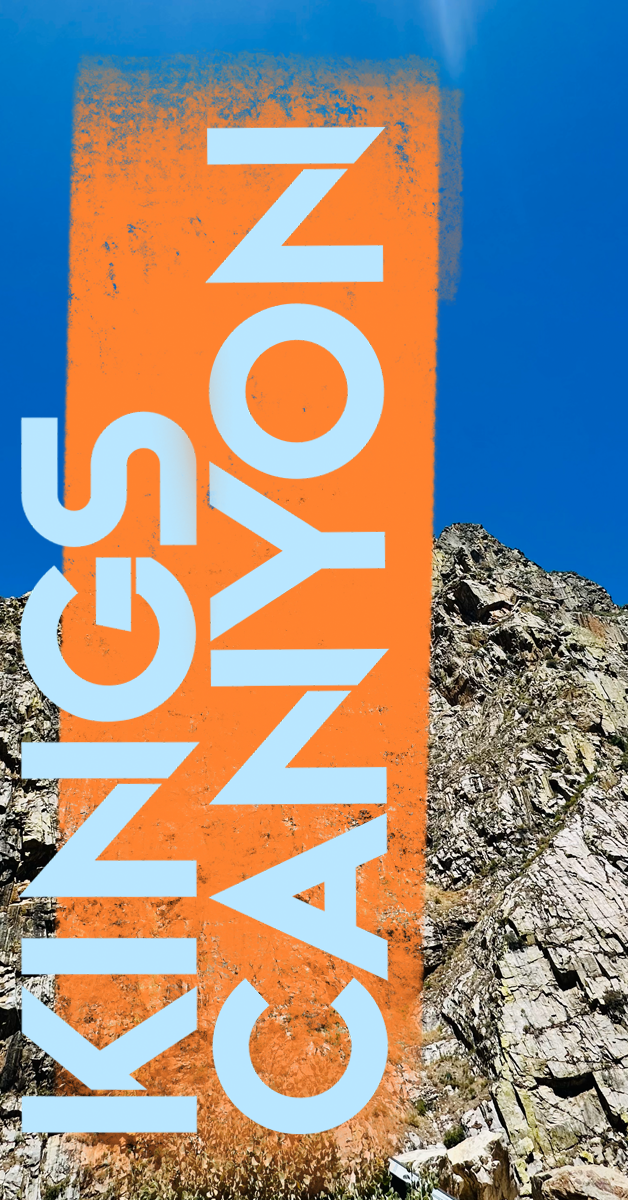
Embracing Summer Adventures: Our Escape to Sequoia and Kings Canyon National Parks Maybe I’m hopelessly optimistic, but every summer, I make the mistake of thinking I will have MORE time with the boys out of school. 🌞 Here I am, three weeks since my last post! Life has been a whirlwind with our house upside…
-

black bird
Recently, I have enjoyed experimenting, using some of my old photography, a crazy fun stop-motion app, a few free stock images from Unsplash and Pexels (what amazing sites!), and some of my random iPhone images. It is so interesting to revisit old files and realize how differently I would treat the images today, mostly with…
-
monarch
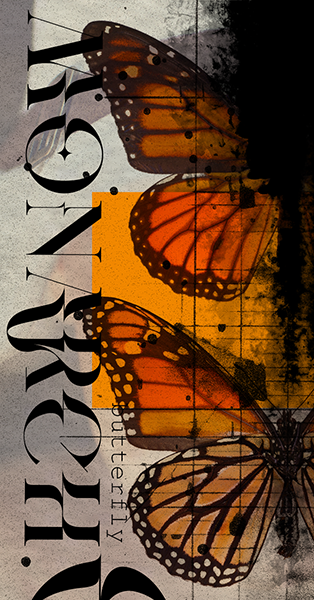
The Pismo Beach Monarch Butterfly Grove is one of only five sites in California where annual counts exceed 10,000 butterflies. Monarch butterflies undertake an incredible migration, traveling more than 1,220 miles from the northeastern United States and southeastern Canada to the mountain forests of central Mexico. Every year, these striking orange and black beauties land…
-

yellow
Today is Mother’s Day, the second biggest blessing of my life (the first being marrying the man who made me a mother). It also means I get a cappuccino in the morning, and I don’t have to cook. Total bliss. Psychology: Yellow is often associated with sunshine, happiness, and energy. It can evoke feelings of…
-

bauhaus
My youngest tore his ACL at a basketball tournament in LA, and isn’t that just like life? One minute you have one trajectory, and the next another. I had planned on taking a summer class at Quinnipiac to finish up my master’s, but now my life is revolving around a series of PT appointments. My…
-
lifeboost coffee
After building and running a coffee shop, my love for a good cup of coffee endures. Sadly due to health concerns, I have had to bid farewell to caffeine in my morning brew. Many decaf coffees undergo chemical processing, often resulting in a lack of boldness and flavor that leaves much to be desired. Thankfully,…
-

poetry
When I began this project, I had no idea that April is Poetry Month—quite a discovery! I love words. Poetry is art in its purest form of words. For well over a millennium, humans have been crafting poetry. Poetry is when an emotion has found its thought and the thought has found words. — Robert…
-
to share, or not to share…
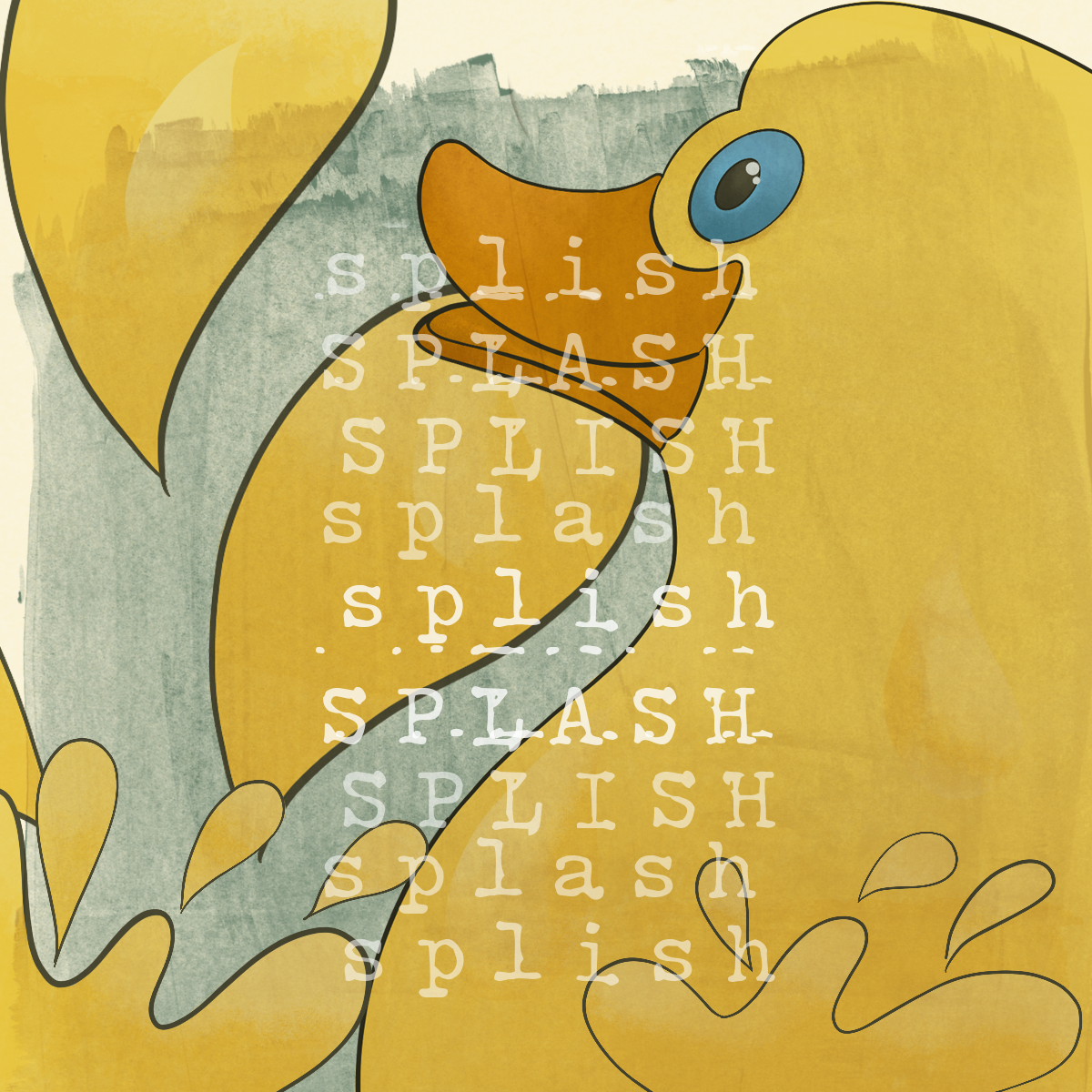
Well, thank you, ChatGPT. You and Austin Kleon, author of ‘Steal Like an Artist,’ agree that sharing one’s work is crucial. Here is one of my latest animated pieces, continuously morphing. I happily noticed improvements in my process, and as always, creativity begets more creativity. The ‘ducky’ inspired me to delve deeper into typographic exploration.…