
Mostly Animated.
Exploring Motion, Learning Design, and Art.
● Featured Article
-
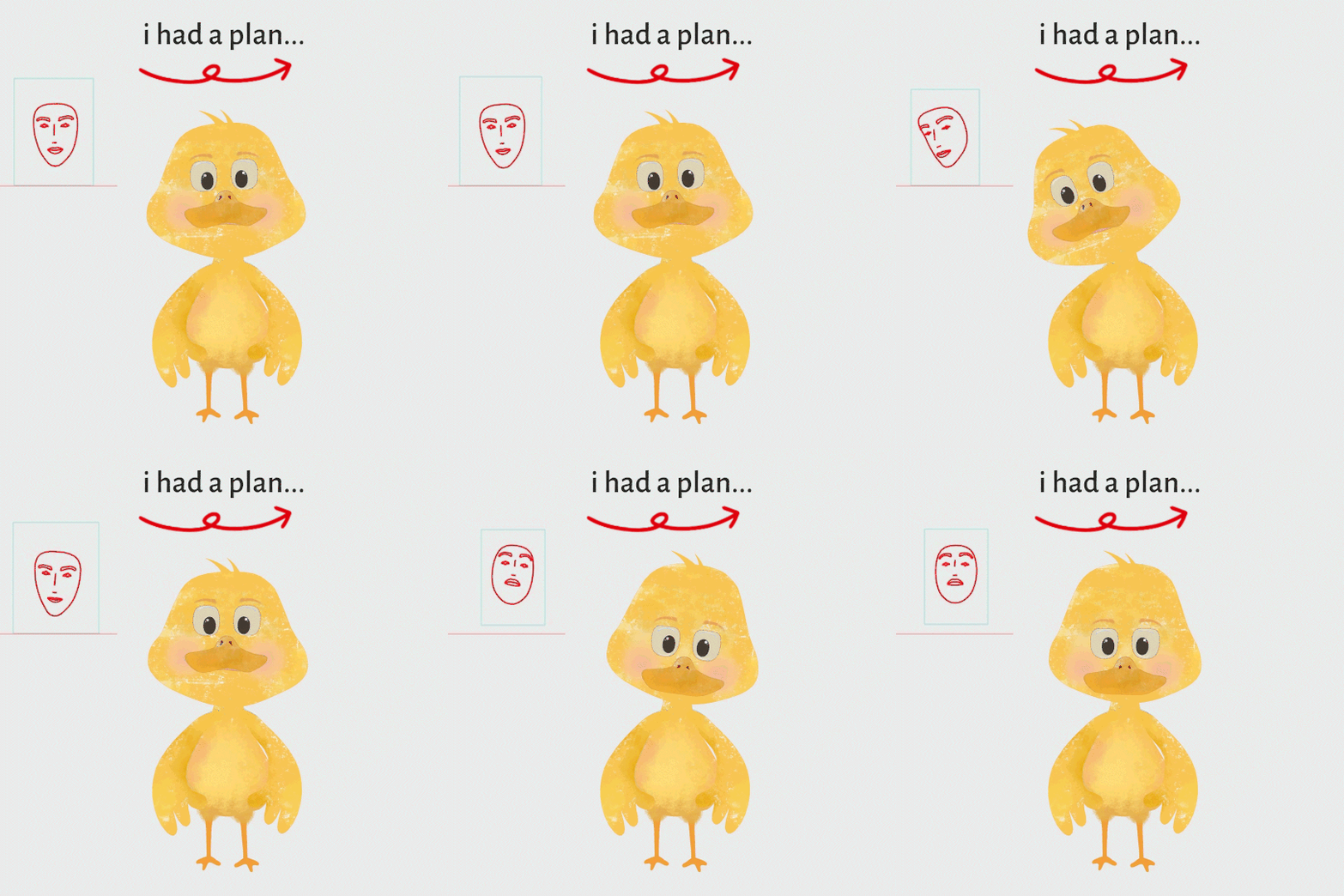
Post 52 –Moho 14.5 and Improved Dynamic Bones in Moho 14 Well, this blog post is going to be a little weighty, because we are interrupting our regularly scheduled Moho blog post (bone dynamics) because apparently the Moho team are complete maniacs and released an epic update that is FREE…
● Latest Articles
-

51. Moho-the Animator’s Survival Kit (disc 2)
Post 51 –disc 2 So, similar to past confessions, I am an art book, learning, class junkie. Some people collect old tractors in a field.…
-

50. Moho-Invisible Progress
Post 50 – also known as the Plateau Effect. Today marks 50 posts in Moho. It feels like it should be more of a milestone,…
-

49. Moho-Timing Charts
Post 49 –Timing is everything. Well, technically, this is Week THREE of Adam’s Animation Academy’s Moho Magic Animation Course with Dani Abram, Moho Ambassador. However,…
-
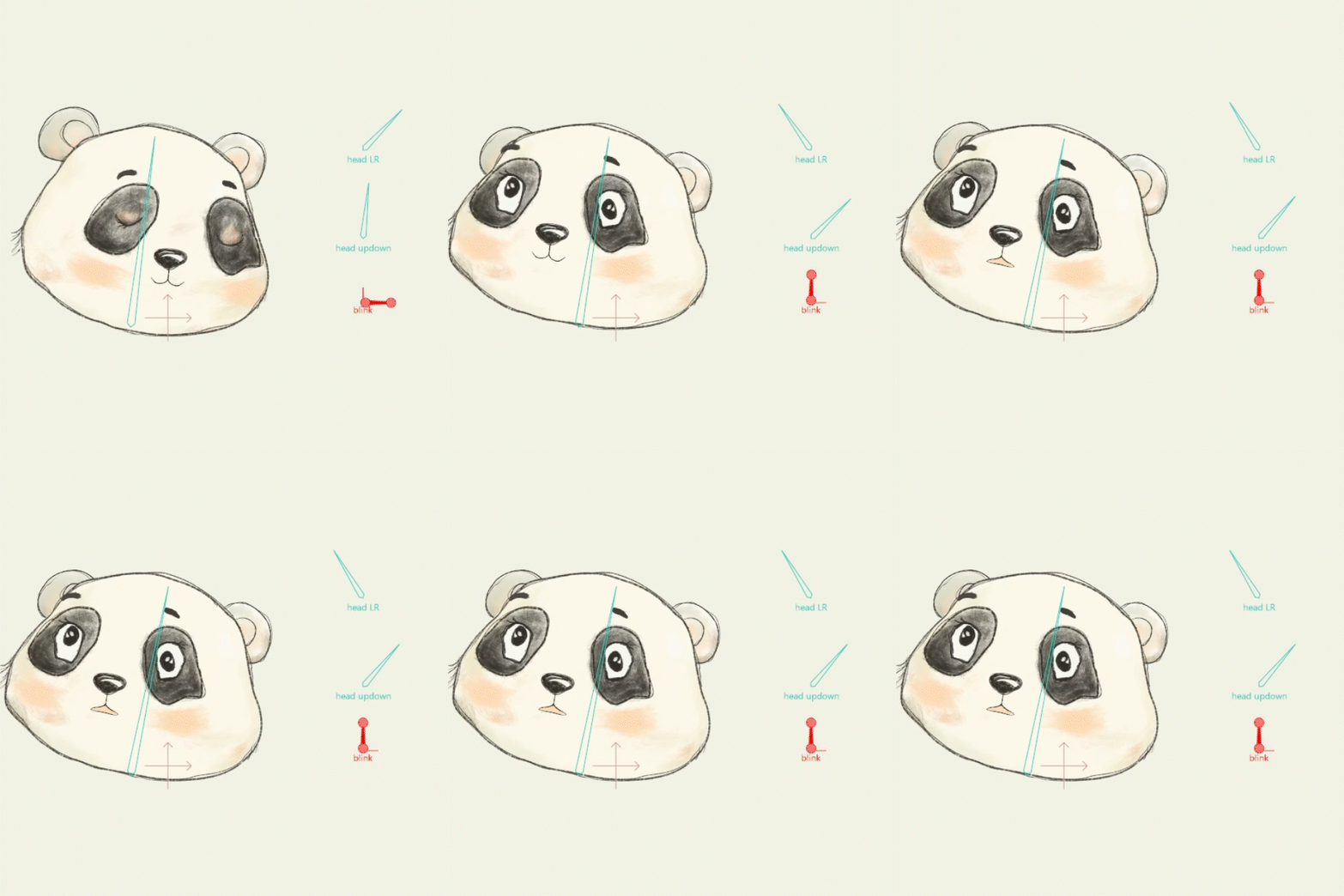
48. Moho Magic Animation Course- Week Two.
Post 48 –Anticipation I am definitely running out of superlatives for this course. It really is absolutely amazing! This week is Week TWO of Adam’s…
● Me

Nikki Tibbett
Artist • Educator • Instructional Designer • Motion Enthusiast💫