Day 9 / 38 – Moho !
In Moho animation software, you can add physics to bones, which makes natural movement much easier to animate. Instead of animating every motion by hand, the software does most of the hard work for you. Bone physics are literally magic. ✨
Things to Know:
✔ Bone Dynamics
✔ Angle Bone Dynamics
✔ Torque, Spring, Weight, Damping
✔ Wind
✔ Bone Constraints
✔ Position and Scale Dynamics
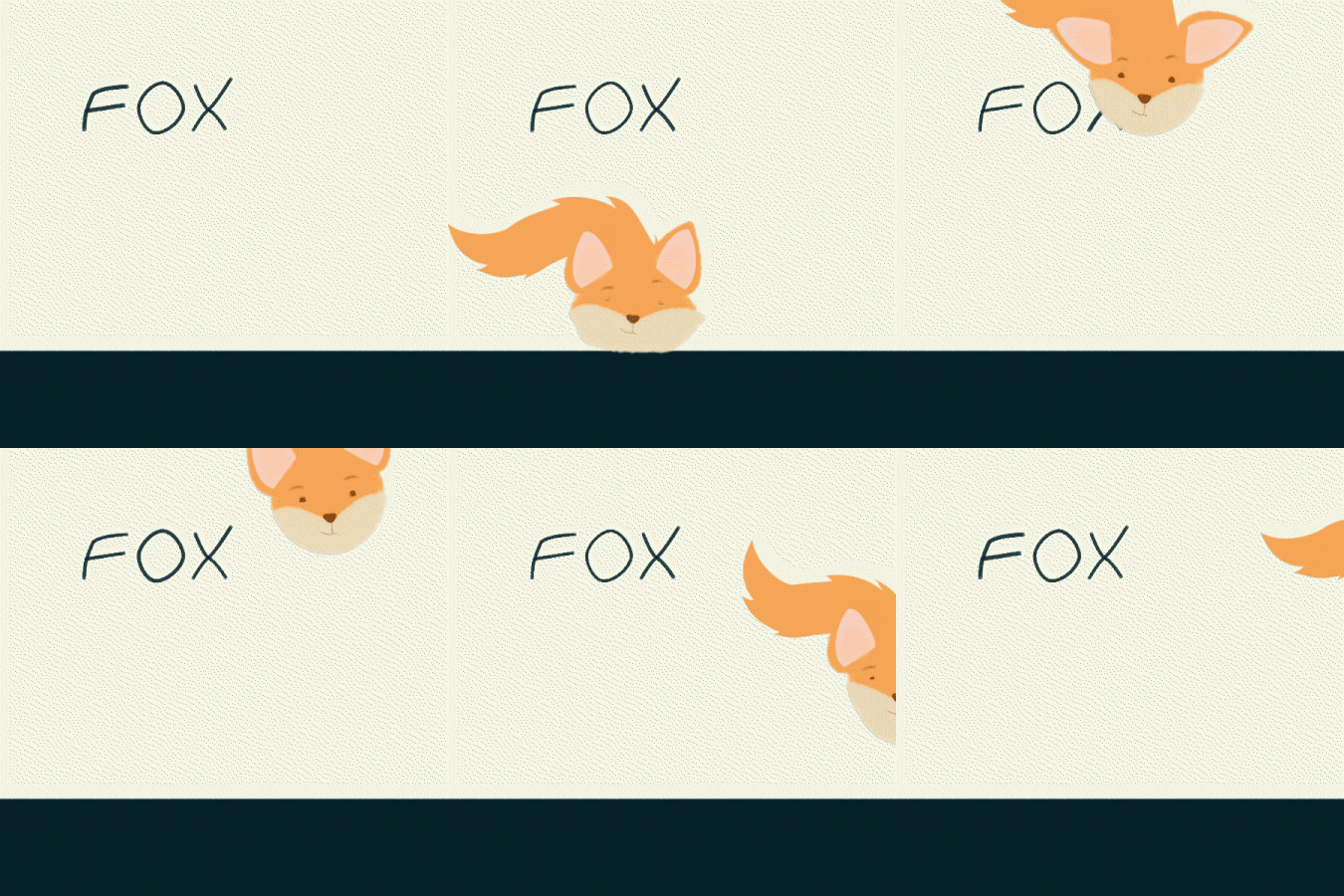
Ducky doesn’t have ears, so I decided to add Bone Dynamics to his hair. The same idea works for hair, ears, tails, antenna’s clothing, limbs, etc…

Turning On Bone Dynamics
- Go to Frame 0
(This keeps the dynamics active for the entire scene.) - Select the bone you want to add dynamics to.
- Open the Bone Constraints dropdown menu.
- ✅ Bone Dynamics (you won’t see physics until you enable Angle, Position, Scale, or Wind).
- ✅ Angle and start adjusting the settings …
That’s it. It’s seriously that easy!
Remember: If you are not on Frame 0, Moho will treat Bone Dynamics like a keyframe, meaning the dynamics will turn on or off at that point in the animation, which is fine if that’s what you want, but not fine if you don’t.
Start with Angle Bone Dynamics, then adjust Torque, Spring, then fine-tune with Damping and Weight.

🧠 Quick Mental Model
Torque = follow strength
Spring = bounce
Damping = stop speed
Weight = bone mass
Position Dynamics
Position Dynamics control the automatic sliding or drifting movement of bones instead of rotation. In my experience so far, it tends to create a more jittery or shaky motion. It uses the same controls—Torque, Spring, Damping, and Weight—but they affect how the bone moves through space rather than how it rotates
Scale Dynamics
Controls automatic stretching or squashing of bones. This can give a nice bouncy effect, but probably need to damp the effect way down. Kind-of like a squash and stretch. Same controls apply, but they influence size changes instead of rotation and it seems like you need to damp the effect way down or it gets wonky real quick.
Wind
Applies force (wind) that pushes bones, creating natural drifting or swaying motion (like hair, grass, or cloth blowing). Higher = more wind. Lower = Less wind.
Fine Tuning ⭐
You can keep experimenting with bone dynamics until the motion feels right. If things get a little too wild, select the lower bones, go back to Bone Dynamics, and add Angle Constraints to limit how far they can rotate—this helps lock the motion down. You can also fine-tune the effect by applying dynamics to fewer bones, or by giving the lower bones more weight so they move less and stabilize the chain.
Day 9 — Afterthoughts
That’s really all there is to it. Tweak the settings, play with the bones…I honestly love every part of this. It feels like pure magic, and it’s so easy to use. And what the heck, Moho calls this “basic” dynamics, can you even imagine what’s next ?
Honestly… it’s way, way too much fun.
— Happy animating 🎬 nik