
-

module Six: interface motion
READING & WRITING: Chapter 10 of Animated Storytelling reminds me of a mom talking to her child before they leaves on a trip. Did you pack your toothbrush? Socks? Underwear? A jacket? Get your oil changed? Don’t forget to thank your host, etc. etc. It’s a chapter full of repeat reminders, tips, and encouragement. The…
-

module FIVE: motion for promotion
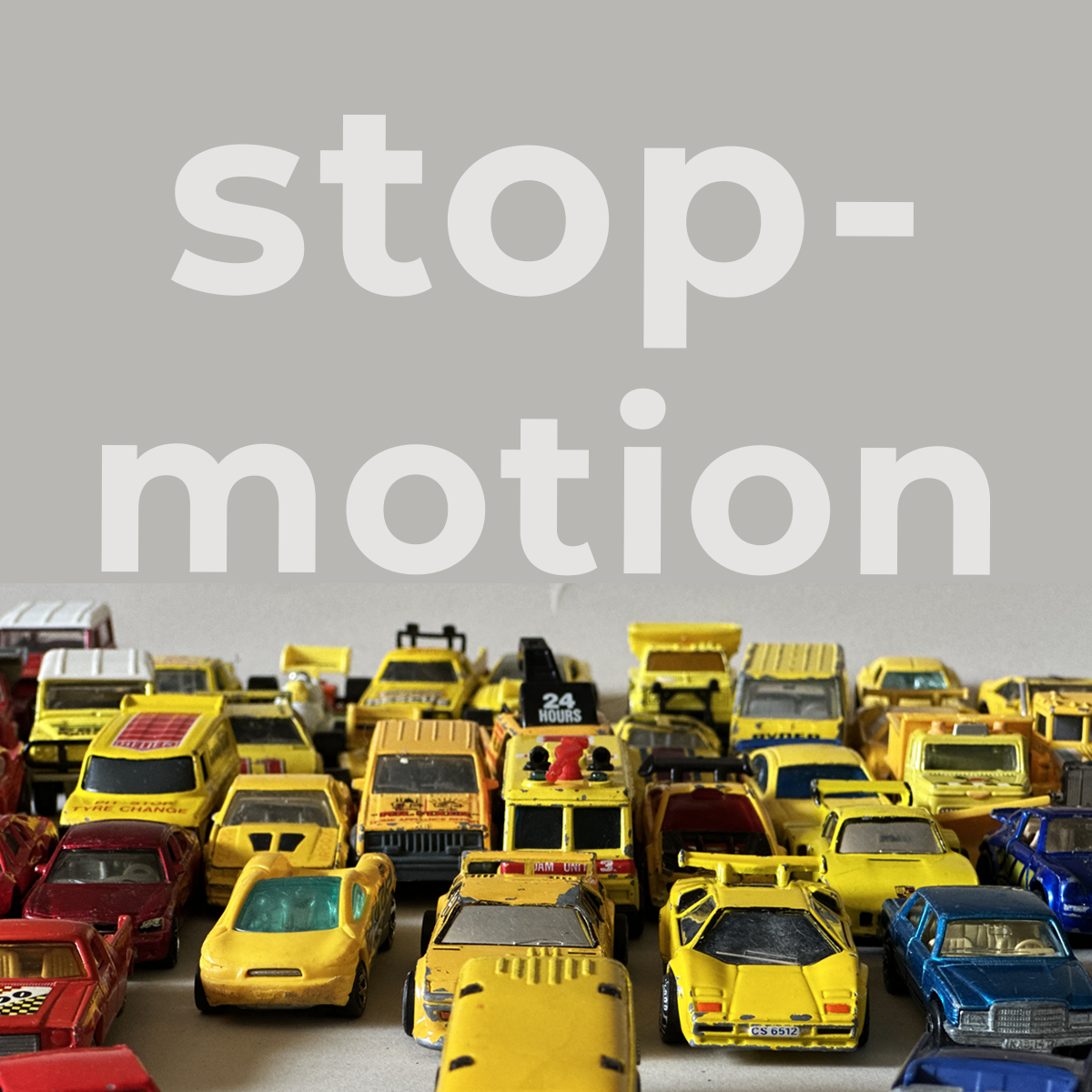
READING & WRITING: Animated Storytelling: Chapter 9 – Technique., revisits the idea of how do you want your audience to describe your project? Some techniques do a better job of telling different stories. For example, hand-drawn works well for, expressive, emotionally driven stories. While, stop motion is known for everything from quirky, magical, and emotionally…
-
module FOUR: production and post
READING & WRITING: When it comes to sound effects, Blazer warns that, “restraint is key.” Chapter 7 of Animated Storytelling suggests making a list of sound effects that you would like to add to your animation and then cut them in half. However, that does not mean sound is not important, on the contrary it is…
-
module THREE: stop motion I
READING & WRITING: Working backwards this week , Chapter 6, of Animated Storytelling Blazer suggest that great artist have become great because they had the courage to, “be honest about what skills were needed to get to the next level.” Which brings me back to Chapter 5, Color Sense. If there is one thing that I…
-

module ONE: basic motion
READING & WRITING: From the introduction of Animated Storytelling, I could sense this was going to be a read, and stop, read and stop kind of book. This is about you gaining the confidence to tell the stories you’ve always wanted to tell and becoming the storyteller you were always meant to be. Liz Blazer…
-

after effects + procreate
I love the look of hand drawn illustrations = Procreate, but want to create movement without hours of frame by frame animation = After Effects. You don’t learn to walk by following rules. You learn by doing, and by falling over. -Richard Branson
-

morphing animations
MORPH verb morphed; morphing; morphs transitive verb : to change the form or character of : TRANSFORM Morphing animations involve a smooth transition or transformation between two or more distinct shapes, objects, or images. This technique creates a seamless blending of characteristics from one form to another, resulting in a visually captivating and fluid animation. Here are my latest morphing animations,…
-

the red cross
the most extensive humanitarian network in the world. transcending borders providing aid without regard to any particular side. Recently I have been working through my second course taught by Yukai Du, Animated Transitions with 2D Illustration & After Effects, on Domestika. This class included several brainstorming exercises to practice transitions in After Effect. I gained…
-

bee-ni-fits
559 Honey Company is a commercial beekeeping enterprise specializing in swarm removal, pollination assistance, and the sale of honey and beeswax. They service: Reedley, CA · Kingsburg, CA · Selma, CA · Tulare County, CA · Visalia, CA · Fresno, CA · Clovis, CA · Sanger, CA · Dinuba, CA · Fresno County, CA Follow…
-

pumpkin
Hand-Drawn Digital Animation: Bring Illustrations to Life A course by Yukai Du This course is designed to teach you how to create a 2D illustrated animation loop of a specific character transforming into an abstract shape. Once again Domestika delivers a great course, with 199 5-star reviews, for the bargain price of $8.99. I really enjoyed…
-
squash and stretch
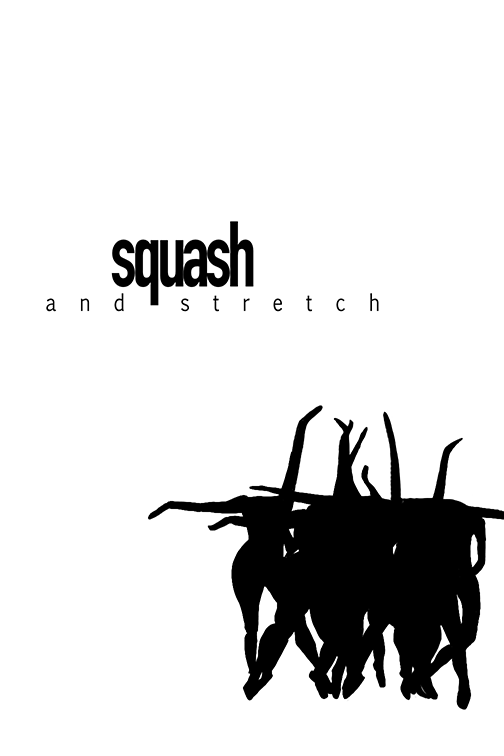
School of Motion’s SOMtember challenge finished 4 of 4! . Squash/Stretch “Squash and stretch is a classic used by every skilled animator. It’s one of the best ways to convey that your animated objects or characters have weight. The principle of Squash and Stretch refers to the stretching and compression of objects to emphasize their…
-

follow through
School of Motion’s SOMtember challenge continues, the third prompt was: Follow Through/Overlapping Action “Follow Through and Overlapping Action refer to the secondary movements that occur after the main action has taken place. For example, a character’s hair may continue to move after they have stopped walking. These subtle movements add realism to animations and create…
-

anticipation
School of Motion’s SOMtember challenge continues, the second prompt was: Anticipation/Overshoot “Anticipation is the principle of preparing the audience for an action or movement before it happens. By giving us clues about the upcoming action, animators can make movements feel more natural and less sudden. One example of this is how we first squat down…
-

SOMtember
School of Motion started a month-long skill-boosting challenge! I was late to notice the post, but they allow you to work through previously released prompts at your own pace throughout September! Plus, by participating, you’re automatically entered into a raffle for a free spot in the Fall Session of Animation Bootcamp, with none other than instructor…
-
new balance
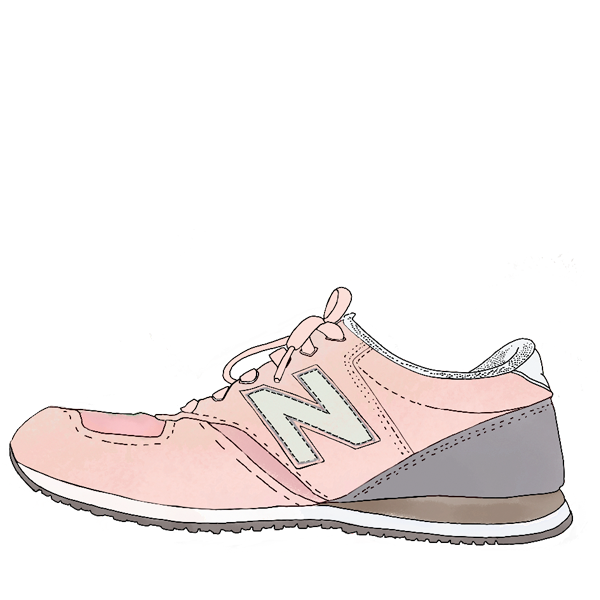
The year, 1906. The place, Boston, Massachusetts. The person, an English immigrant named William J. Riley. The company, New Balance Arch Support. The goal, footwear that provides greater comfort and NEW BALANCE. My daughter is beautiful, smart, funny, and ultra-talented. She is an artist and designer, who has remodeled multiple homes: framed, hung sheetrock, mudded,…
-

mixed-media animation
eeek. Words can hardly express my excitement about this animation. Despite being far from perfect, tackling this personal challenge of synchronizing, four separate Procreate animations, background illustration, and photo image, all imported separately and coordinated in After Effects feels monumental. Do you ever have moments during the learning journey where you spend hours (and hours)…
-
days
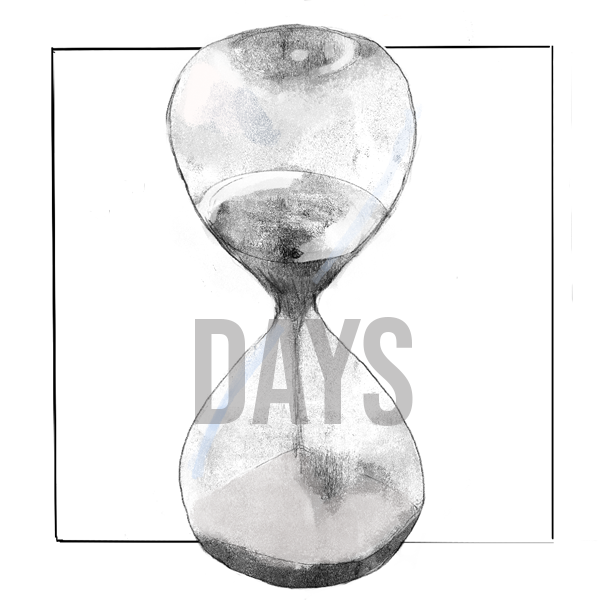
We often emphasize our differences, celebrating diversity as a prevailing theme. Nonetheless, the one unifying aspect of humanity is death. While the ways in which we or our loved ones may pass away may vary, the inevitability of death itself remains inescapable. The hourglass serves as a powerful symbol, representing the passage of time, the…
-
strawberry fields forever
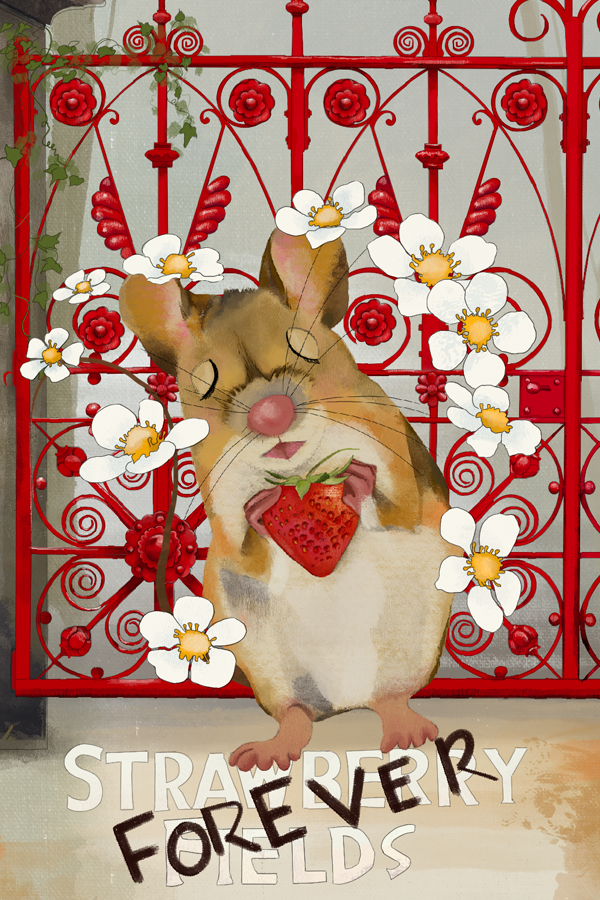
Strawberry Fields took the Beetles 40+ hours in the studio to make and was released in 1967. The song is a part of a sentimental set of songs looking back at the bands nostalgic childhood memories, in this case a children’s home (Strawberry Field) near John Lennon’s home in Liverpool. The meaning of Strawberry Fields…
-
on the road
Definitions from MY LIFE.sum·mer1noun: summer; plural noun: summers verb:summer; 3rd person present: summers; past tense: summered; past participle: summered; gerund or present participle: summering Well, I’m not sure, “summering at home,” is a thing, however, between the traveling and projects, I haven’t been on my desktop computer to finish any current After Effects projects. Although I do take the time to stay current on the work…
-
messin’ around
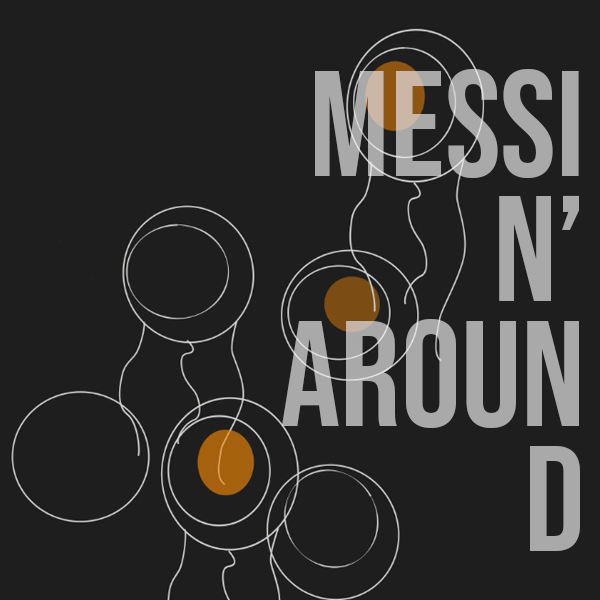
When you take an After Effects Kickstart class from School of Motion, you have access to the class, for LIFE! During orientation week, they ask you to create something by just “messin’” around in After Effects, which is where this little shape project started. However, as I am retaking the class, I also incorporated some…
-

steal like an artist
I am only a decade late to this party, but this little 6×6 inch black book has one hundred and sixty-four pages of yummy goodness inside. Steal Like an Artist, written by Austin Kleon, is timeless. Although I read this through in a few sittings, it really is the type of book you want to…
-

geometric dance party
This was my first exploration using shape layers, in After Effects, while taking School of Motion’s After Effects Kickstart. The Kickstart class moves QUICKLY, and I struggled to produce something decent in the time frame. This 16-second animation gave me a new appreciation for the amount of work that goes into making complex animations involving…
-

key frame killa’
After hacking my way through After Effects (AE) for multiple projects for my masters program, I began looking for options on how to quickly get a better grasp of AE. Enter School of Motion fall 2022, when I was finally able to take an After Effects Kickstart class one of their many design & animation…