
-

Part 12/38. Basic Smart Bones. Learning Moho from beginner to expert
Day 12 / 38 – MohoHere we are, Day 12 of 38. Took a little longer to get here. Spring break happened.The good kind, a few days off the grid with the guys, some sun on the skin, collected sand dollars like they were bit coin, and time stretched out just enough to forget the…
-

Part 11/38. Curvers (and more). Learning Moho from beginner to expert
Day 11 / 38 – MohoGood morning, afternoon, or evening—whatever time of day this post finds you! 😊Day 11 puts us in tail-wagging territory. My little ducky didn’t have a visible tail, so simple kitty (with a tail) to the rescue to help me practice curvers. Things to Know: ✔ Curvers This also meant revisiting…
-
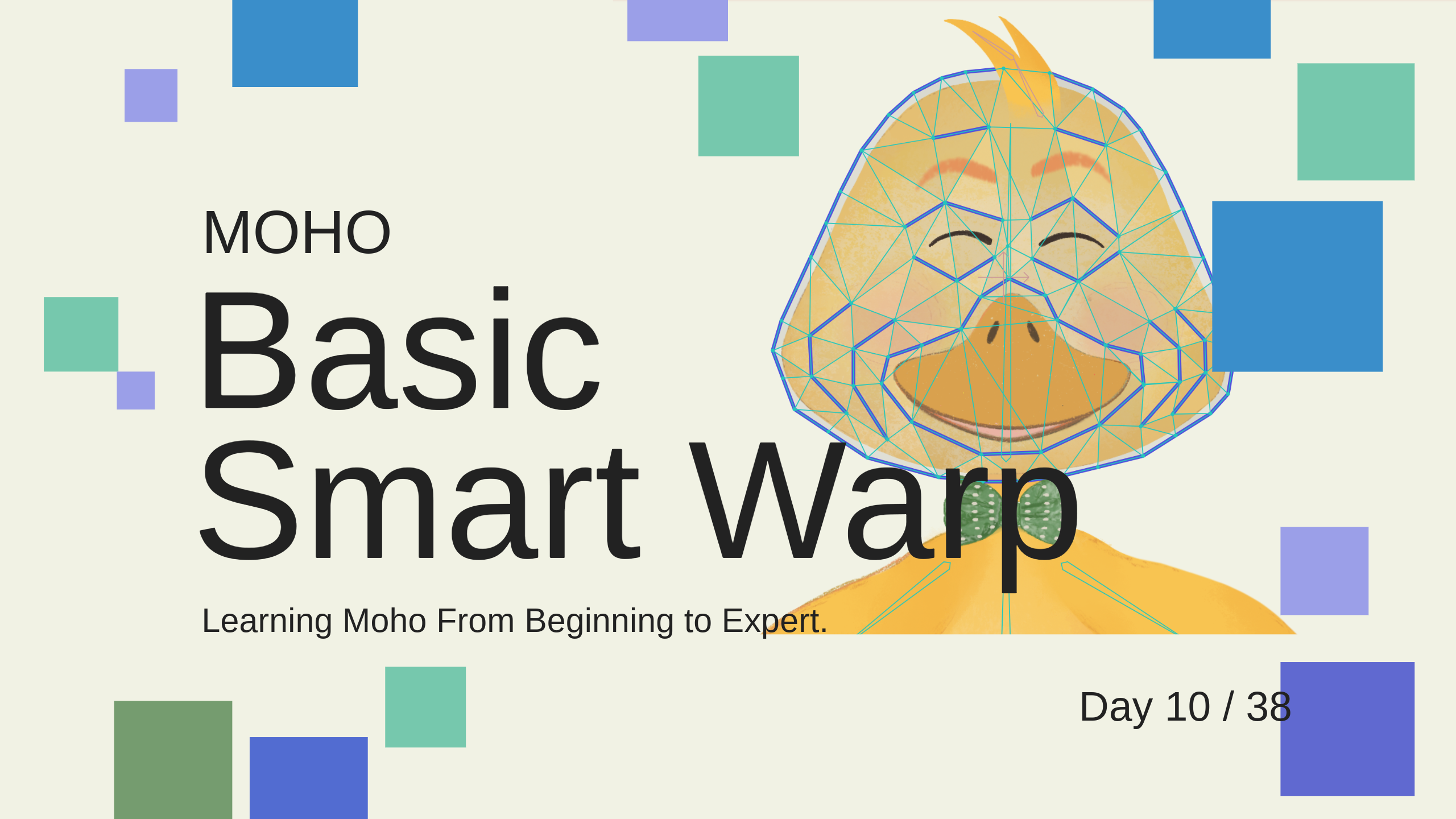
Part 10/38. “Basic” Smart Warp. Learning Moho from beginner to expert
Day 10 / 38 – MohoToday’s tool: Basic Smart Warp“Basic” is doing a lot of work in that sentence.lol Smart Warp feels like giving your drawing a nervous system.Pull here → everything reacts.Push there → something weird happens three steps away. Still wishing for that alternate universe:Me, full-time student of animation,surrounded by tiny rubber ducks,…
-

Part 9/38. Basic Dynamics. Learning Moho from beginner to expert
Day 9 / 38 – Moho ! In Moho animation software, you can add physics to bones, which makes natural movement much easier to animate. Instead of animating every motion by hand, the software does most of the hard work for you. Bone physics are literally magic. ✨ Things to Know: ✔ Bone Dynamics✔ Angle…
-

Part 8/38. Targets Bones. Learning Moho from beginner to expert
Day 8 / 38 – MohoTarget bones are simple. Move the little red handle, and the arm or leg follows. Everything bends, everything stretches. Instant pose, instant motion. Things to Know: ✔ Target Bones✔ Bone Constraints ✔ Deselect all Bones ✔ Select Bones Tool✔ Manipulate Bones Tool✔ Transform Bones Tool Steps to Creating a Target…
-

Part 7/38. Switch Layers- Learning Moho from beginner to expert
Day 7 / 38 – Moho The /swiCH/ — choosing one thing instead of another.That’s exactly what Moho switch layers do. They let you swap between different layers during your animation. One frame shows one layer, the next frame shows another. Put different options inside—mouth shapes, eye blinks, hand poses—and switch between them as the…
-

Part 6b/38. Basic Binding- Learning Moho from beginner to expert
Day 6 / 38 – MohoStill in day six of learning Moho… and my brain was officially frying. Around 10:35 in the lesson he casually says, “It’s not working the way we intended, so we’ll need to use Layer Binding.” Because right now the rig is adhering to bone strength. Oh yes. Clear as mud.…
-

Part 6/38. Import the PSD and Basic Rigging- Learning Moho from beginner to expert
Day 6 / 38 – MohoHere we go, here we go — MOHO! 🎬 We’ve officially crossed a small milestone. Day 6 out of 38 means we’re 15.79% of the way through the journey. Not even a week in, and things are already starting to click. Today’s lesson was only 18 minutes long, but wow…
-

Part 5/38. How to Prepare the Bitmap on PS- Learning Moho from beginner to expert
Day 5 / 38 – MohoOne of the strengths of Moho is how easily it works with layered files from Adobe Photoshop. You can import a PSD and keep the layer structure intact as it comes into Moho. That’s great news for digital artists, because any app that can export a .psd can fit into…
-
Part 4/38. Exporting the Animation- Learning Moho from beginner to expert
Day 4 / 38 – MohoExporting animations. Just a thought off the top—this is an interesting place to put a video about exporting, considering we haven’t made anything worth exporting yet.But, Talleho, on we go. Things to Know: ✔ Types of export options Export animations in Moho by navigating to File > Export Animation (or Ctrl/Cmd+E) Most of my workflow…
-

Part 3/38. Timeline Basics- Learning Moho from beginner to expert
Day 3 / 38 – MohoDayyyyy 3 in Moho. First stop, the timeline, move little Gruille, move. Things to Know: ✔ Timeline location: Where your animation lives.✔ Keyframes: Little dots on the timeline. They mark starts, stops, or changes.✔ The playhead: The marker that shows where you are in time.✔ Play button: Press play (or…
-

Part 2/38. Basic Layer Structure- Learning Moho from beginner to expert
Day 2 / 38 – Moho“How hard can it be?”Five minutes and nineteen seconds. That’s the length of today’s video. A quick lesson on the hierarchy of layers—how bones, groups, and parent relationships work. I’ve worked with layers before. Easy, right? Layers stack.Groups hold things together.Bones control movement. Got it. 😉 Things to Know: ✔…
-

Part 1/38. Overall Interface- Learning Moho from beginner to expert
Day 1 / 38 – MohoTaking a break from wrestling with Character Animator.Diving into Moho: poking around the interface, fiddling with tools, seeing how animation actually works.Goal: one new thing a day, little by little, building toward something that moves. This is the tutorial video series I’m following—if you want to follow along, and have…