Day 17 / 38 – Moho
Baby video today, clocking in at just 5:19. The main focus was the Add Points Tool, with a bit of overlap into the Create Shape Tool and Curvature Tool.
Things to Know:
✔ Add Points Tool (A)
✔ Create Shape Tool (U)
✔ Curvature Tool (C)
Add Point Tool (A)


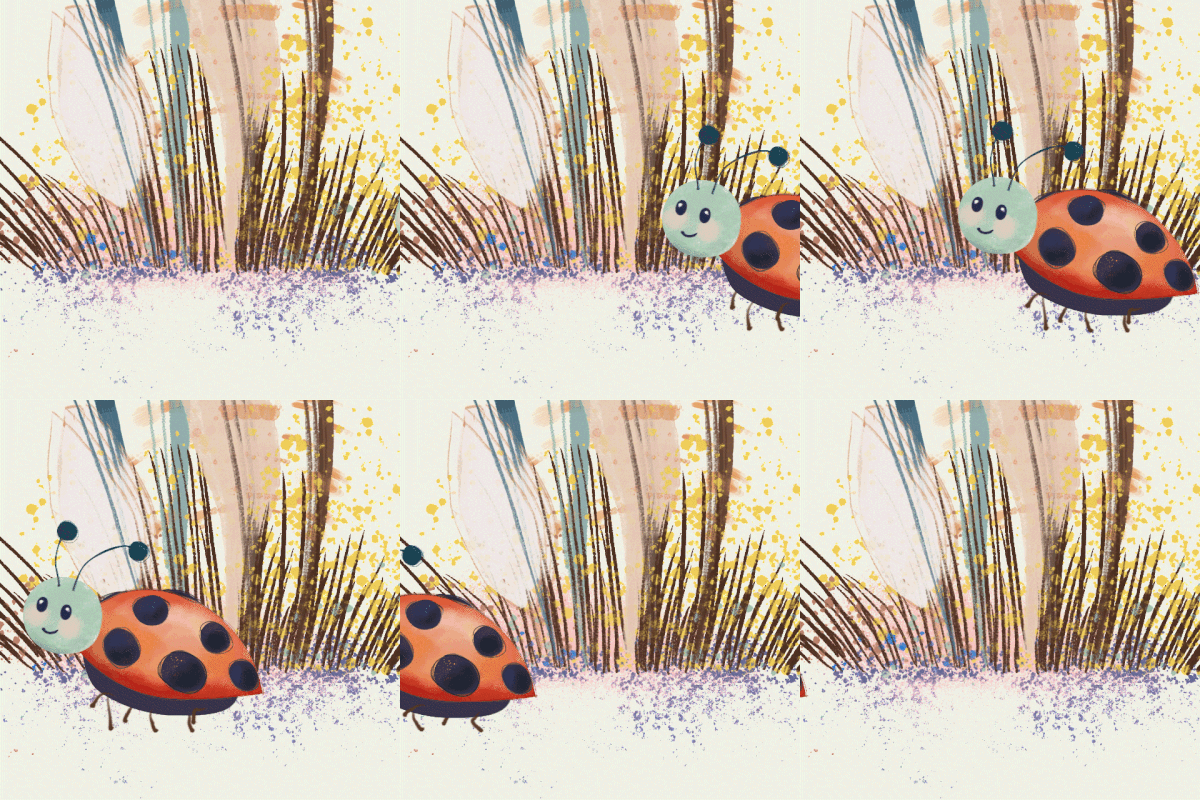
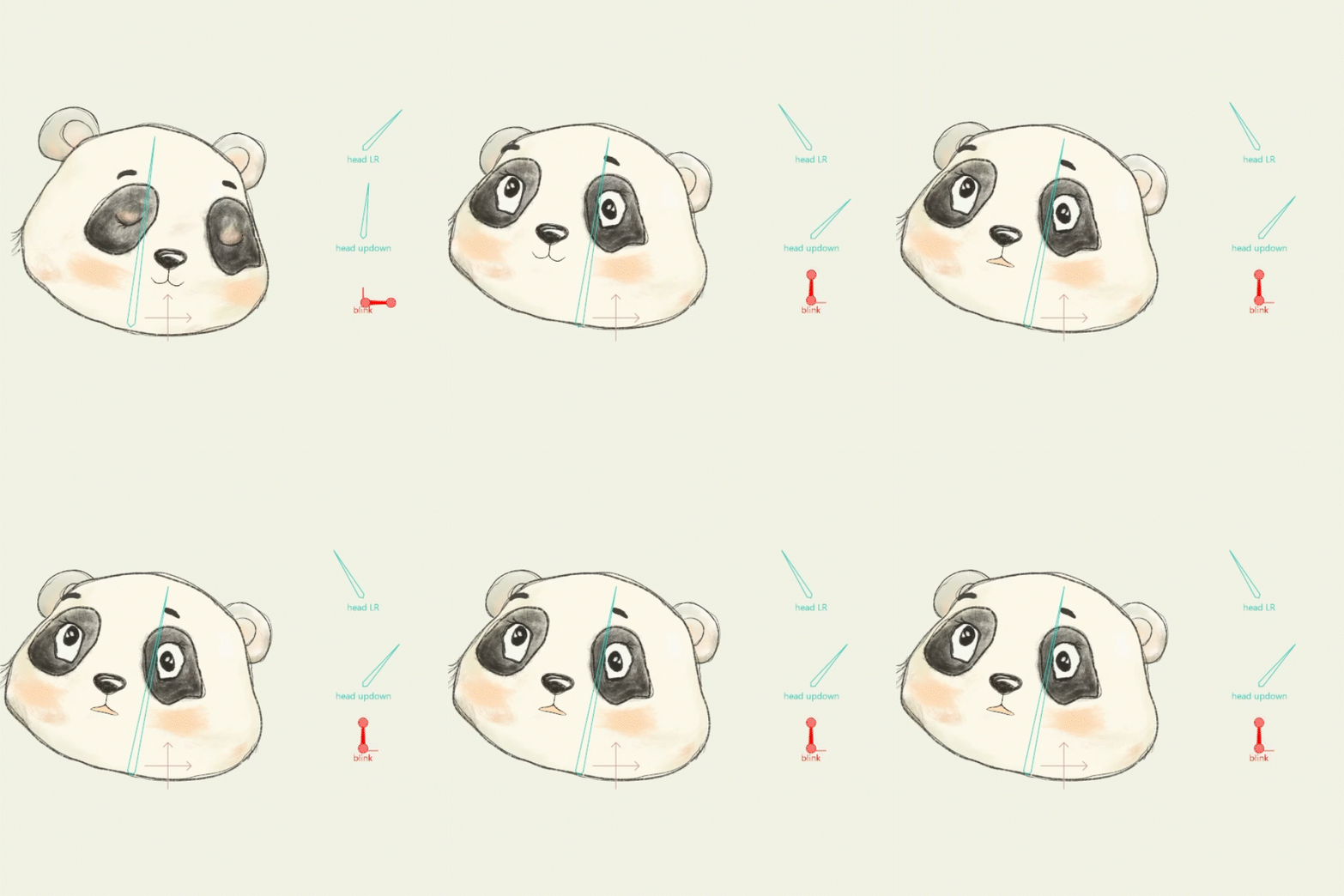
Follow the images above: The add point tool will help you to create the shape you want right away, and then refine. Select the Add point tool, make sure the auto weld is selected, this will allow you to connect two points together to create a shape. Click and drag to add more points. You will start from the green point to add more lines, to create your shape. You start from the green point and click-and-drag to add lines and build out your form. If you need more detail, you can hover over an existing line until you see the red point indicator, then click to insert additional points. Closing the shape is as simple as clicking back on your original point.


One thing to note: your shape won’t automatically fill once it’s closed. To fix that, switch over to the Create Shape Tool, press Ctrl + A to select your points, choose your fill color, and click Create Shape. You’ll see options for line and fill, this time I skipped the outline and went with fill only. The result is a clean, solid shape with your selected color.
To refine things further, the Transform Points Tool lets you adjust individual points, while the Curvature Tool adds Bézier handles for smoother, more controlled curves.
The more points=the more control.
What I Tried
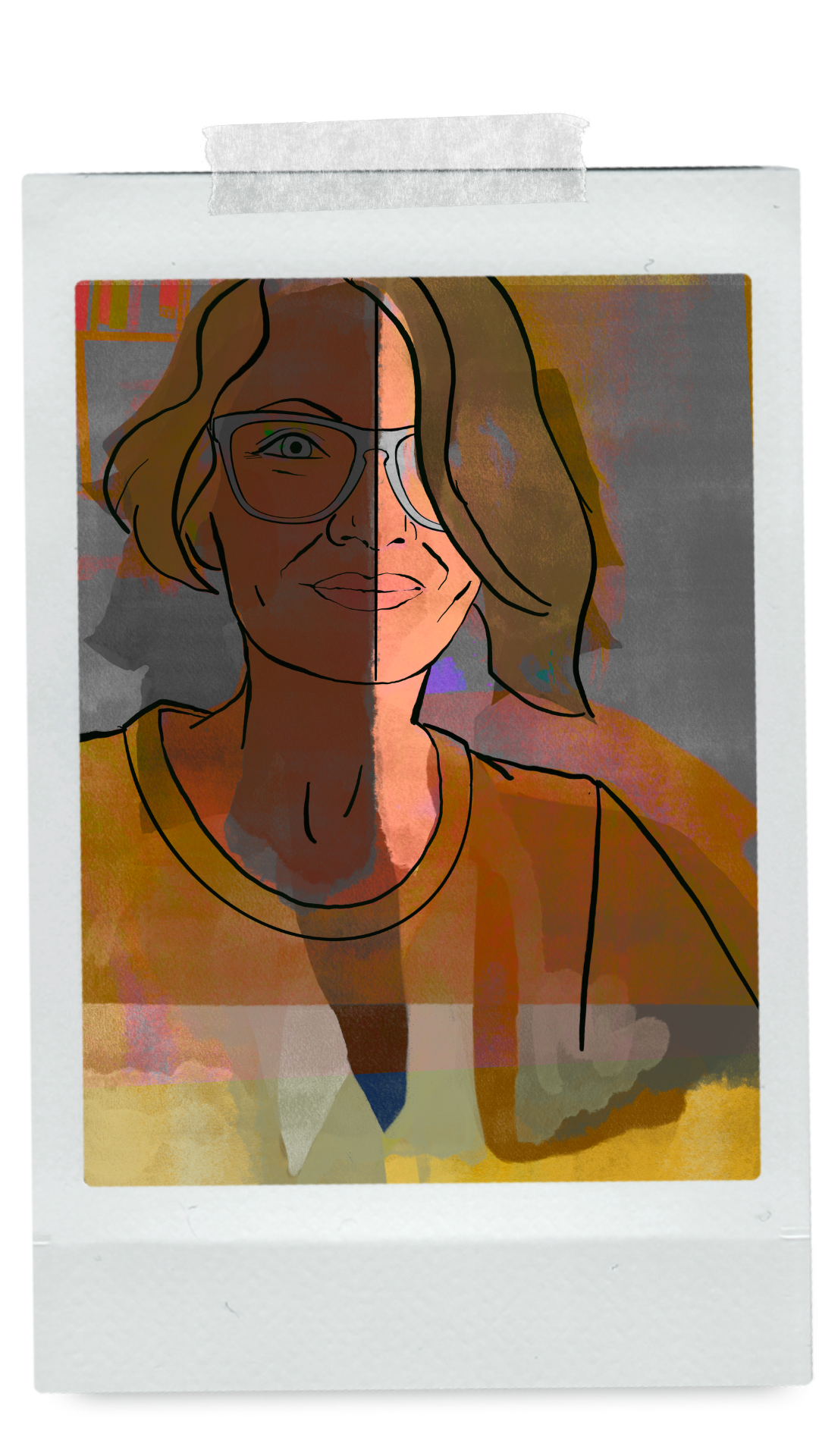
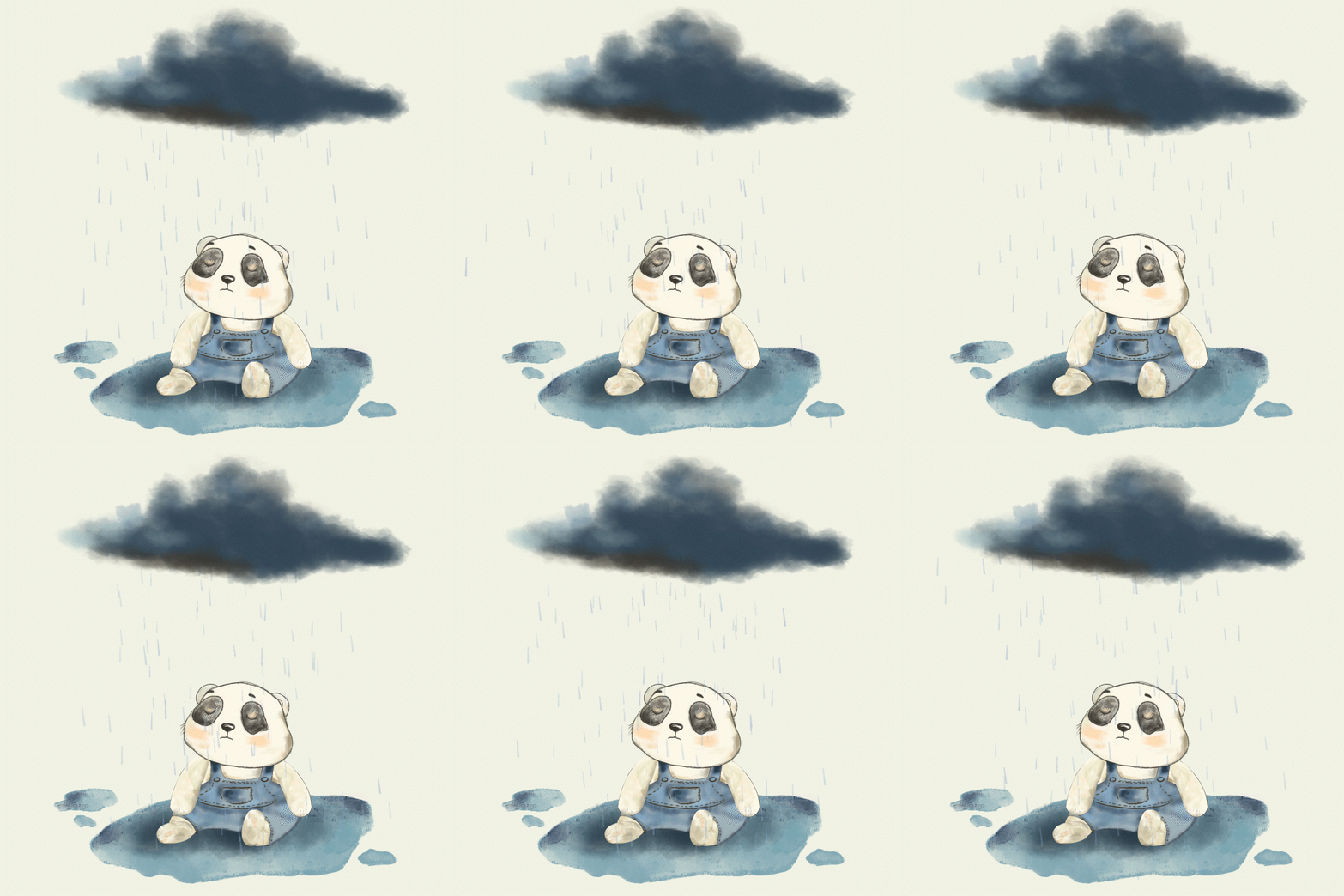
I wasn’t totally in love with the chunky look of the shapes from the tutorial, so I decided to experiment a bit more in my own style. Since the lesson was short, I also jumped into a Moho webinar. Unreal. My son is 18 now, but I took a piece from his early kid-art days, something that’s been hanging in my office, dusted off my old Wacom tablet again, and tried to paint with vectors in Moho.
Look at those vector points for the shading (below) 🫨

Day 17 — Afterthoughts
This was fun.
Really fun.
It’s hard to explain how much I’m enjoying working in Moho right now. I just want to keep going, learn everything, do everything, skip the frustrating parts and somehow still get the results. But that’s not how it works.
Maybe the friction is the point. The slow parts. The mistakes. The figuring-it-out-as-you-go. That’s where the real experience lives. That’s what makes it stick. There’s a kind of joy in struggling through something and coming out the other side knowing you earned it. A uniquely human experience. Will ai take over animation someday? Probably. But that’s not really the point. The point is doing the work. Climbing the mountain yourself.
Is it really about the view? or everything it took to get there.
keep climbing🦕 Nik