Day 16 / 38 – Moho
I took an entire semester of Illustrator,
and hated it.
Points.
Bezier handles.
More points.
More handles.
At the beginning of this video, I had a moment where I worried I’d feel like I was back in that class. But it wasn’t quite as bad this time, probably because I actually took it. Funny how that works.
Things to Know:
✔ Freehand (F) Tool
✔ Draw Shape (S) Tool
✔ Blob Brush (J)
✔ Eraser
Draw Shape Tool (S)

The Draw Shape tools are your building blocks. Nothing fancy—just the basics: rectangles, circles, triangles, stars, arrows, spirals, grids. Simple shapes that you can use for your work. Hold the +shift key to keep the shape proportional.
Freehand Tool (F)

You can keep it minimal with just a line, or fill it in and give it weight. Change the color. Thicken the stroke. Keep it bold or strip it down.
Make a new Vector layer and choose the Freehand Tool, you can freely draw wherever you want. This is where my old Intuos, circa 2009 came in handy.
Blob Brush (J)
The Blob Tool does what it says, it stamps a big blob on your vector layer. The Blob Brush is designed for creating vector shapes that behave more like liquid or traditional ink strokes. I played with this, and instead of the traditional 4 pt circle pts, the blob tool gives you lots of options to move the shape around.

Eraser (E)
is a drawing tool designed for vector layers that allows you to remove parts of strokes and fills, operating as a “reverse” blob brush. I used it and created a million more points I had to erase lol
You can only use the draw tools on FRAME_0.
What I Tried

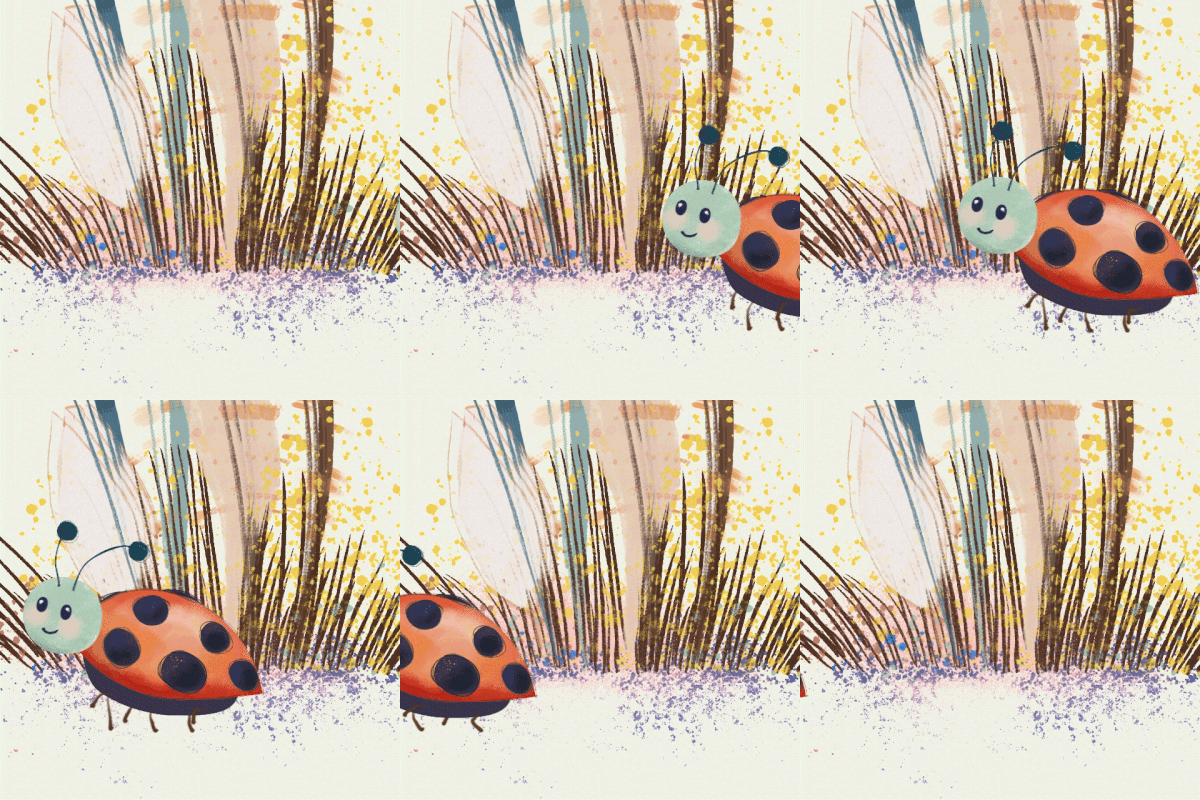
Here is little vector birdy, with stardust and a sticky cloud. Still fighting a run cycle for no good reason. I could have left the cloud out of the bone layer, but I liked the strange warp. Experimenting is low stakes, I always wonder why I don’t it more often.
Day 16 — Afterthoughts
I was excited to learn that the vectors in Moho weren’t as intimidating as I expected. Once I let myself play a bit, they started to feel more flexible, a little less rigid than I remembered. I actually enjoyed the process. It made me curious about how far I could go, especially bringing some of my Procreate painting style into the vector world. More shading, more depth, less “perfect.”
I also want to spend more time animating with vectors. When I’ve watched other tutorials, I know that I’ve only scratched the surface of Moho. Moving forward, I’d like to keep exploring how points move, how shapes transform, and what that can turn into.
Points taken. 🐦 Nik