Day 36/ 38 – Moho
Today we spent a bit of time with the Quad Mesh tool. I poked at it, did a lot of experimenting, got nowhere, made worthless, but I did learn a few things.
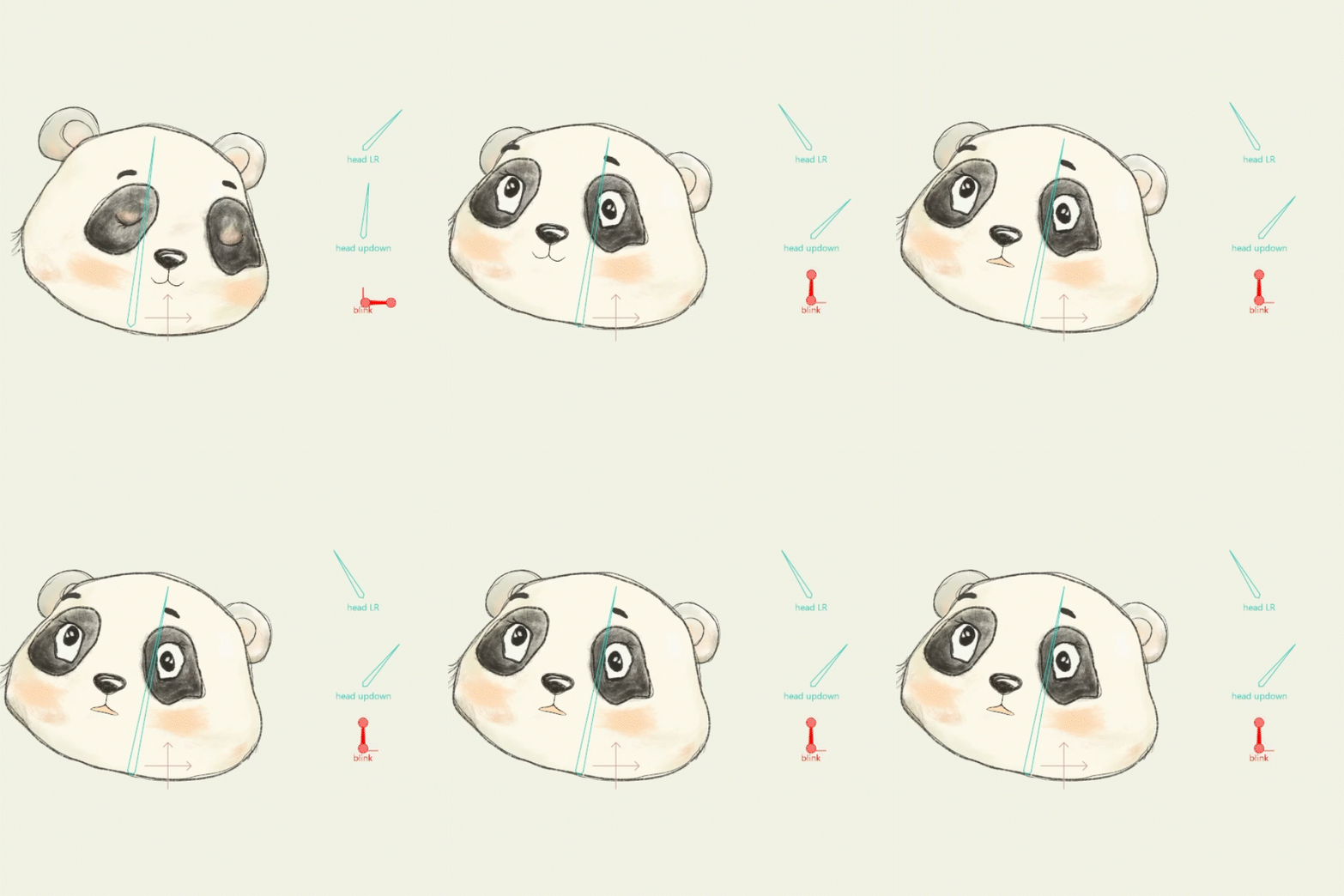
Mostly, when I returned to regular Mesh layers. It finally sank in that you can put pretty much any bitmap on a mesh and then manipulate the heck out of it. That got me thinking…should I be doing that for every face, body, clothing? hmmm.
Things to Know:
✔ How to create and manipulate with the Quad Mesh tool
Create a Quad Mesh
By default when you create a smart warp mesh in Moho it is going to create triangles. However, you may want to have more rigid control or create a perspective effect and in that case you can add a Quad Mesh. To create the mesh: you first create a vector in the shape of what you want to mesh. G to the Draw Shape Tool, and at the top tool bar you can click the quad mesh (four squares) and decide on your horizontal and vertical lines that will best fit your shape.

Now you should have your new mesh layer below your bitmap layer. You will then double click on your bitmap layer, click Image, and in the dropdown menu Select Warp Layer, choose the warp layer you created.


For this week’s project, I tried using Quad Mesh on some underwater seaweed so I could give it a floating motion. The seaweed didn’t make the final cut, but I spent plenty of time experimenting with bitmap images and seeing how far I could push them around.

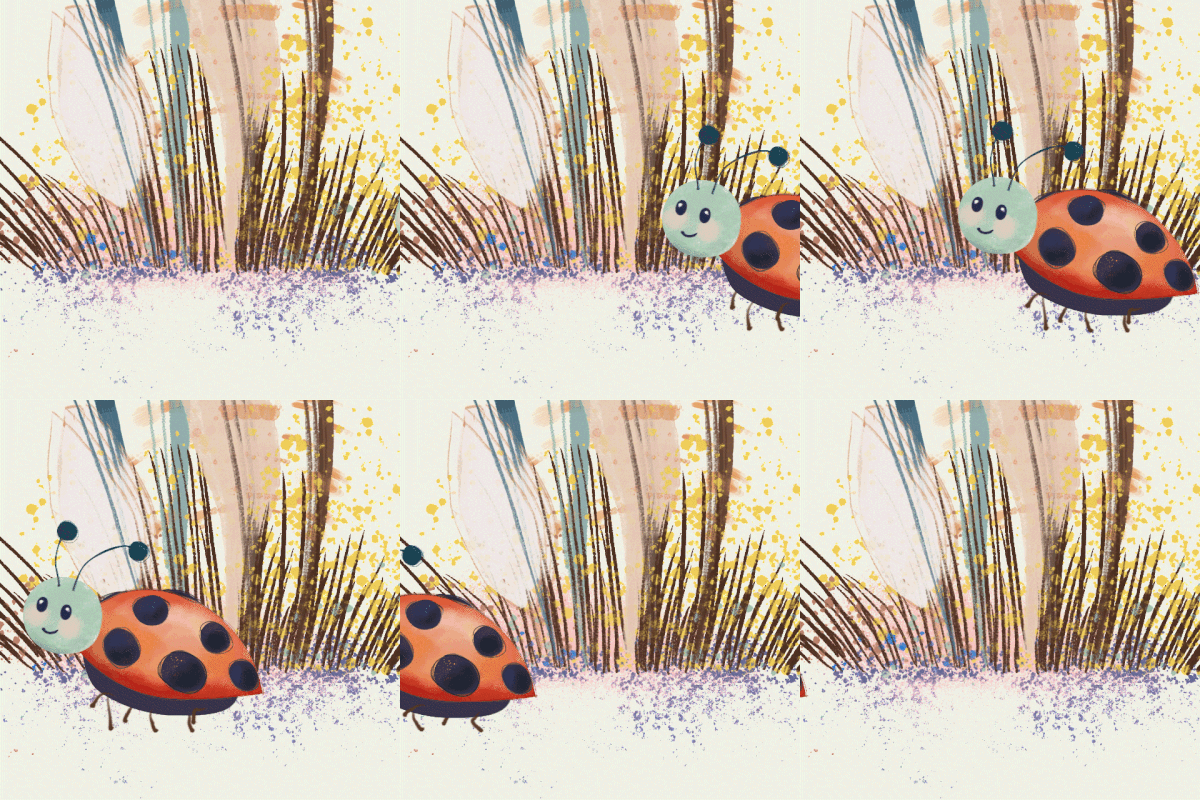
I took these photos several years ago while on a bit of a green kick, noticing all the different shades showing up around the island. Here you go, I made a perfectly useless thing (again).
“Inspiration usually comes during work, rather than before it.”
— Madeleine L’Engletin
Experiments
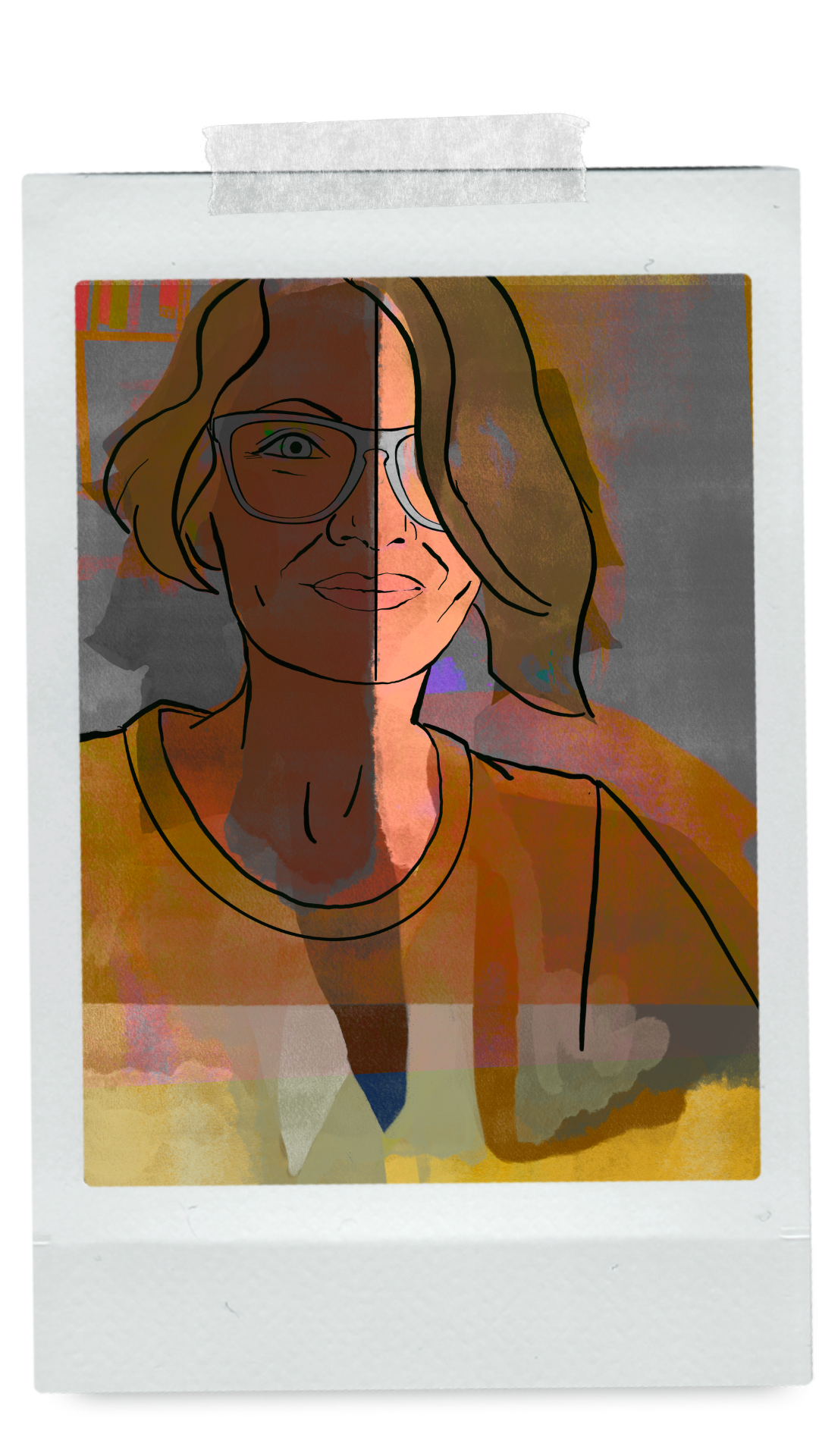
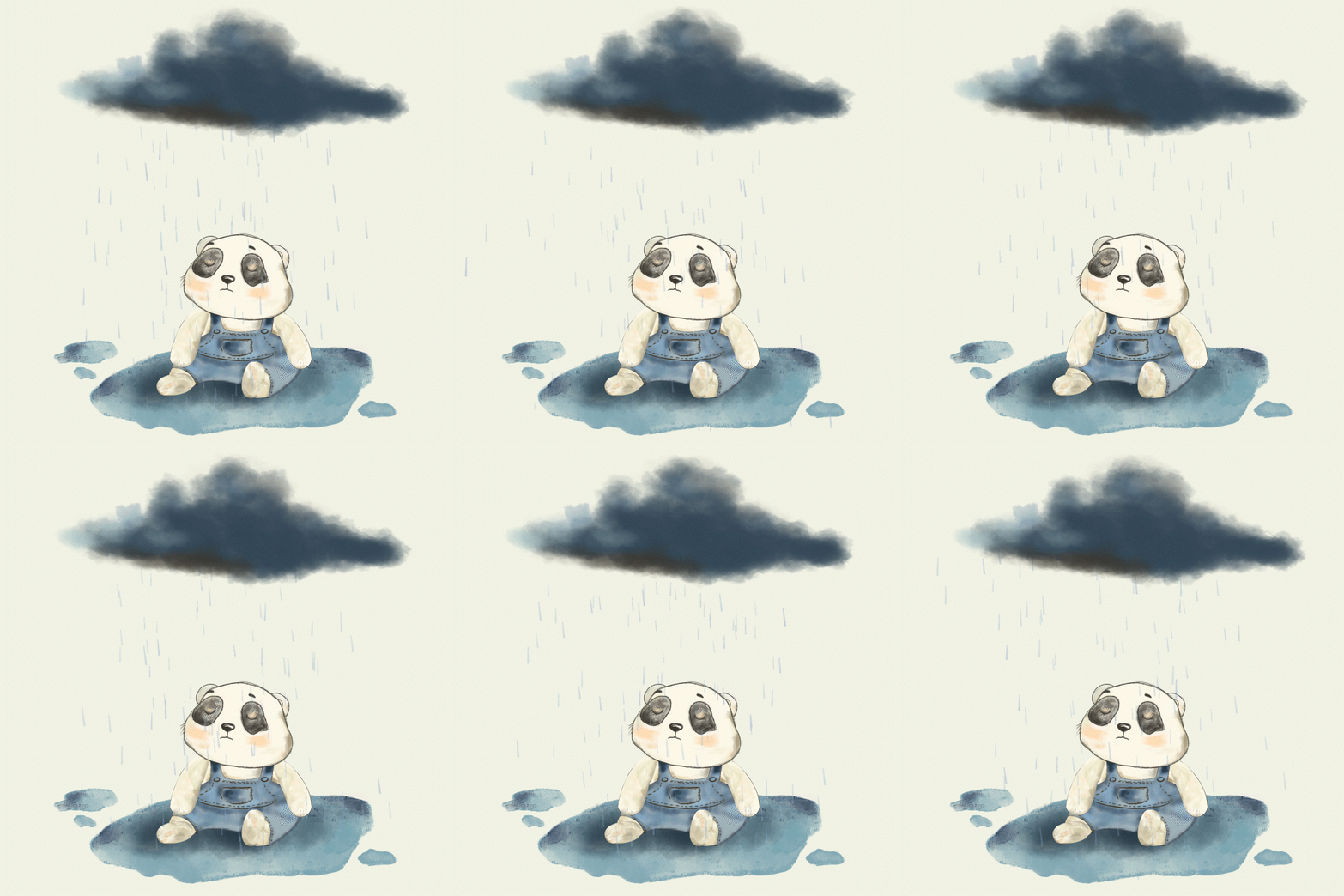
Ironically, the Quad Mesh tool didn’t make it into this week’s project. I ended up back with regular Mesh layers. Although I got a little wild moving the wetsuit around😂 But I did do some experimenting with watercolor and ink, +Moho. The idea of analog and digital is just too fun…the possibilities, as always, seem endless.

Day 36 — Afterthoughts
This week actually helped to solidify the warp mesh layer lesson, and how absolutely powerful that tool is. I’m thinking it should just be standard operating procedure to throw it on every bitmap animation you do, just to give it that little bit of extra believable movement. Don’t be like me though and overuse.
Everything I do is hard. I constantly feel like I am wrestling Moho. Nothing is easy. Everything feels hacked. I sort of got it, but not really. I’m slogging. I’m a slogger. And stink, I just can’t seem to get that smooth loop. What am I missing, so frustrating. I will get the loop….say it with me.
✌️days left. Nik