Day 26 / 38 – Moho
Hand-drawn vectors create some special challenges when working with Vitruvian Bones. Since the shapes and lines aren’t perfectly clean, getting everything to bend and connect naturally takes a bit of improvising.
Things to Know:
✔ Creating multiple limb posing options
✔ Using the Vitruvian Bone Tool
Drawing Arm Positions


Considering this was not a “clean” vector drawing, I had to get creative trying to connect all the hand-drawn scribbles. I didn’t spend a lot of time drawing because I wanted to get to the lesson itself. Instead, I combined the arm color and outline into a single layer, then merged the hand color and line work into the arm as well, leaving me with one new layer called “Left Arm Straight.”
From there, I duplicated the layer and pulled points into the new position. It definitely needed some cleanup afterward, so I used the eraser and paint tools to make it look somewhat normal again. Not the prettiest workflow, but it got the job done and helped me keep moving forward.
This means you will have three new drawings for each arm (SIX total):
1. Left Arm Straight 2. Left Arm Bent 3. Right Arm Up
1. Right Arm Straight 2. Right Arm Bent 3. Right Arm UP
Rigging Arms
After you have those you will go through your typical process of rigging all six arms.

- Adding Bones (to all sets)
- Adjusting Bone strength.
- Binding bones to the proper artwork. (in my case rather than using the link bones, I used the bind points tool because of the hand brushed artwork).
Creating Vitruvian Bones
Now with the Vitruvian Bones selected in the tool bar, you will select all three upper bones on the left arm, and then press group (all but one arm will show) and the bone will be marked differently at the top indicating it is a Vitruvian Bone.
Using Vitruvian Bones

Now when animating (say frame_6) you select the Vitruvian Bone Tool, select the upper bone you want to work with and at the top menu you will see a drop down category called Active Bone and you can choose the bone you want displayed at that point in the time frame .
“Do what you love. Know your own bone; gnaw at it, bury it, unearth it, and gnaw it still.”
― Henry David Thoreau

Day 26— Afterthoughts
So I can definitely see the appeal of Vitruvian Bones. If you know your character is eventually going to have their hands up, you have way more flexibility to move them into that position than if you were starting completely from scratch in a resting pose.
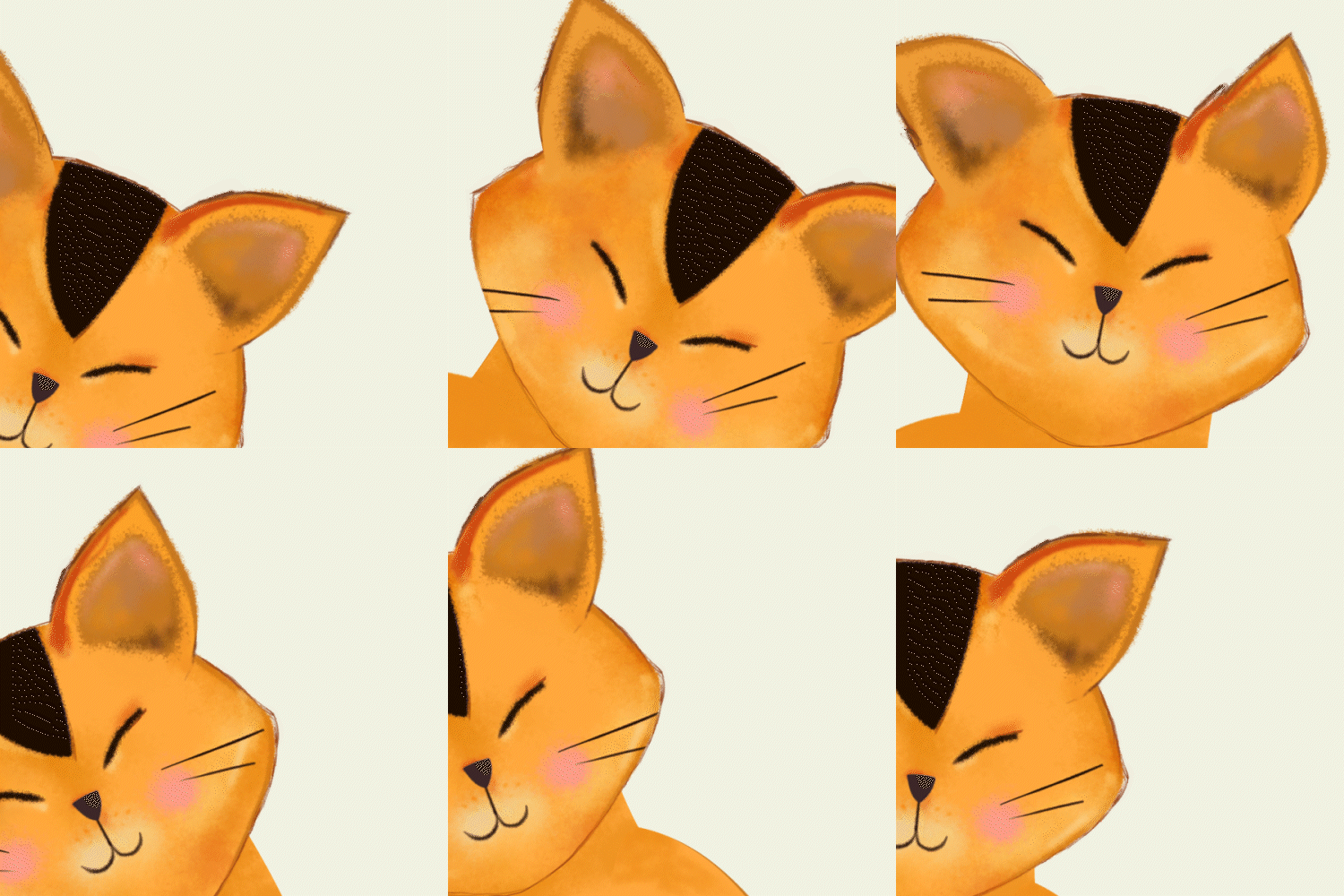
That said, running through the bones gave my animation a slightly animatronic feel. A big part of that is probably because I didn’t really have a plan for the character — I just started moving her around and experimenting with different Vitruvian bone positions. I couldn’t quite get rid of the jerky movement.
I also clearly need more practice planting my character’s feet without them sliding all over the place.
Keep your feet planted 👣
Nik