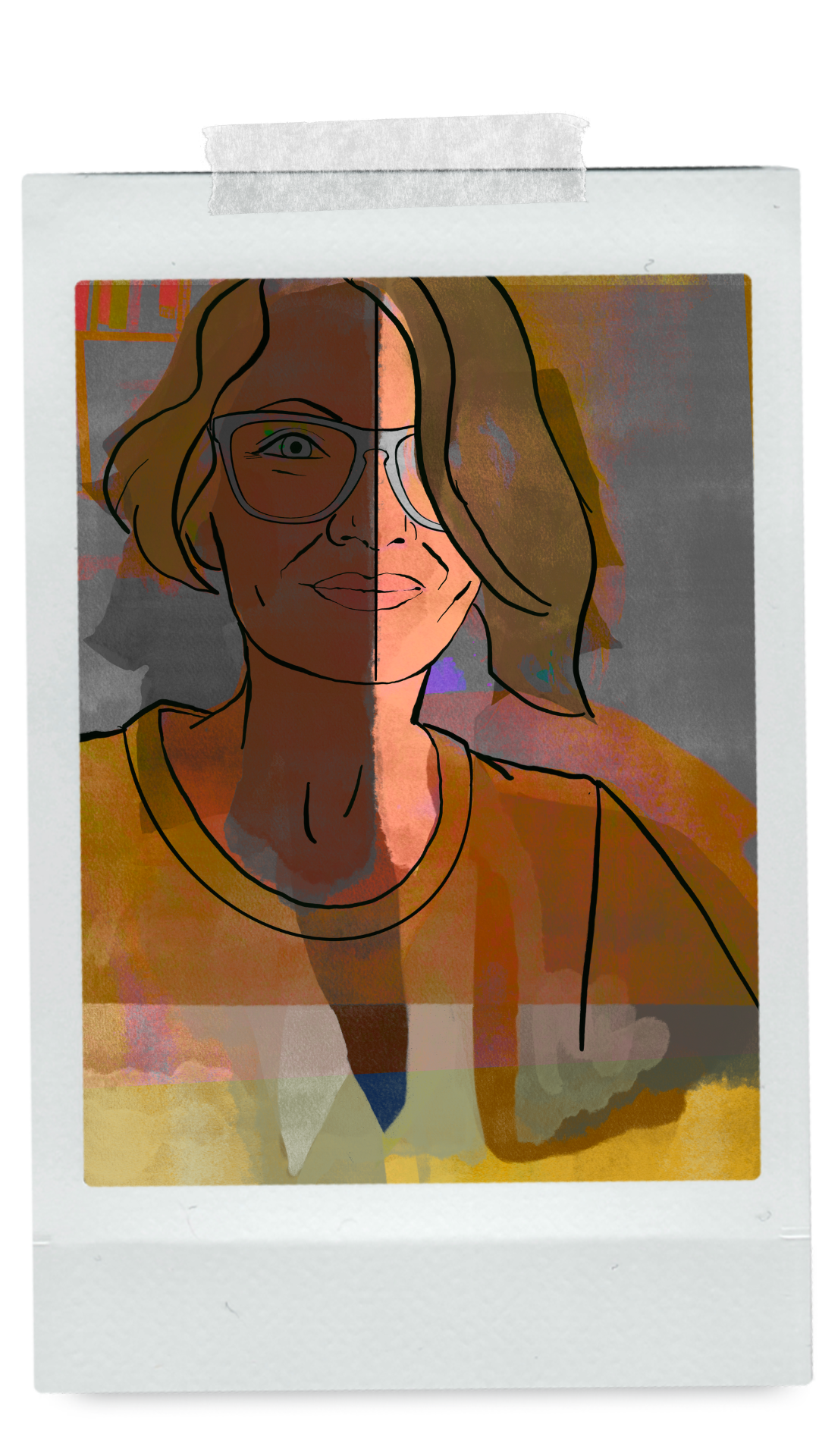
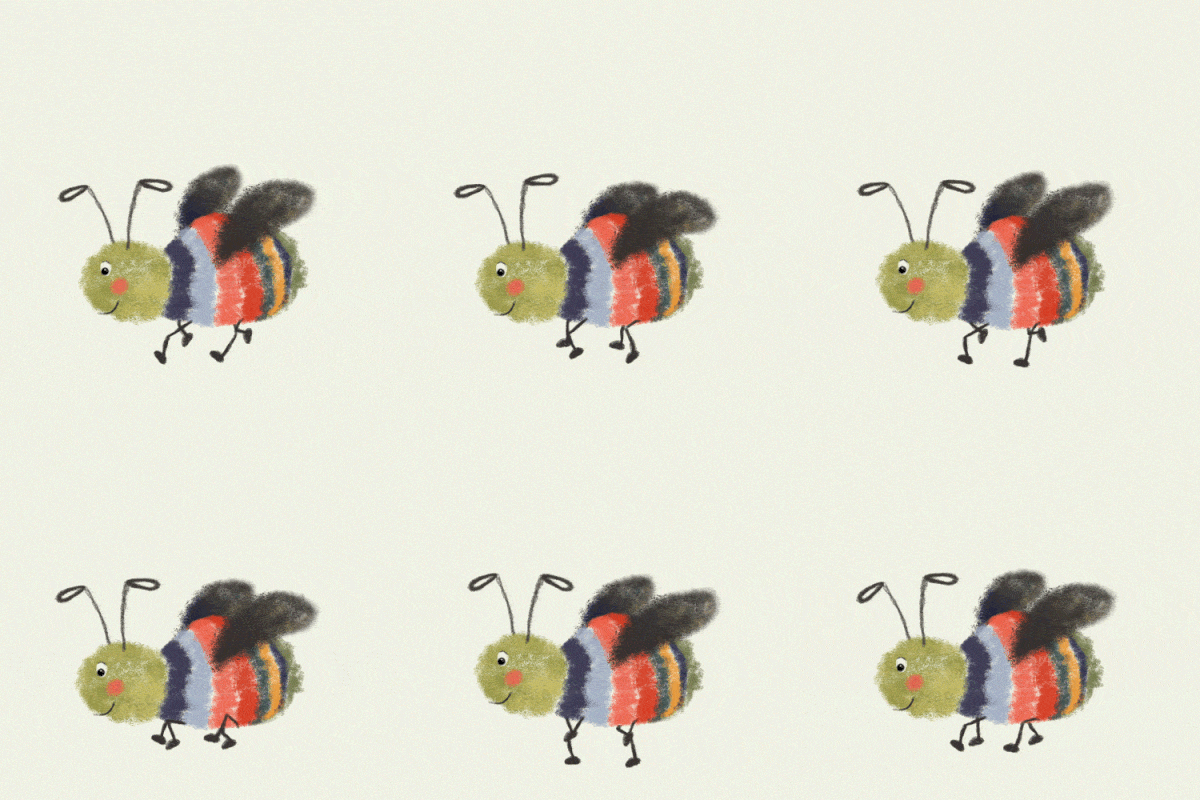
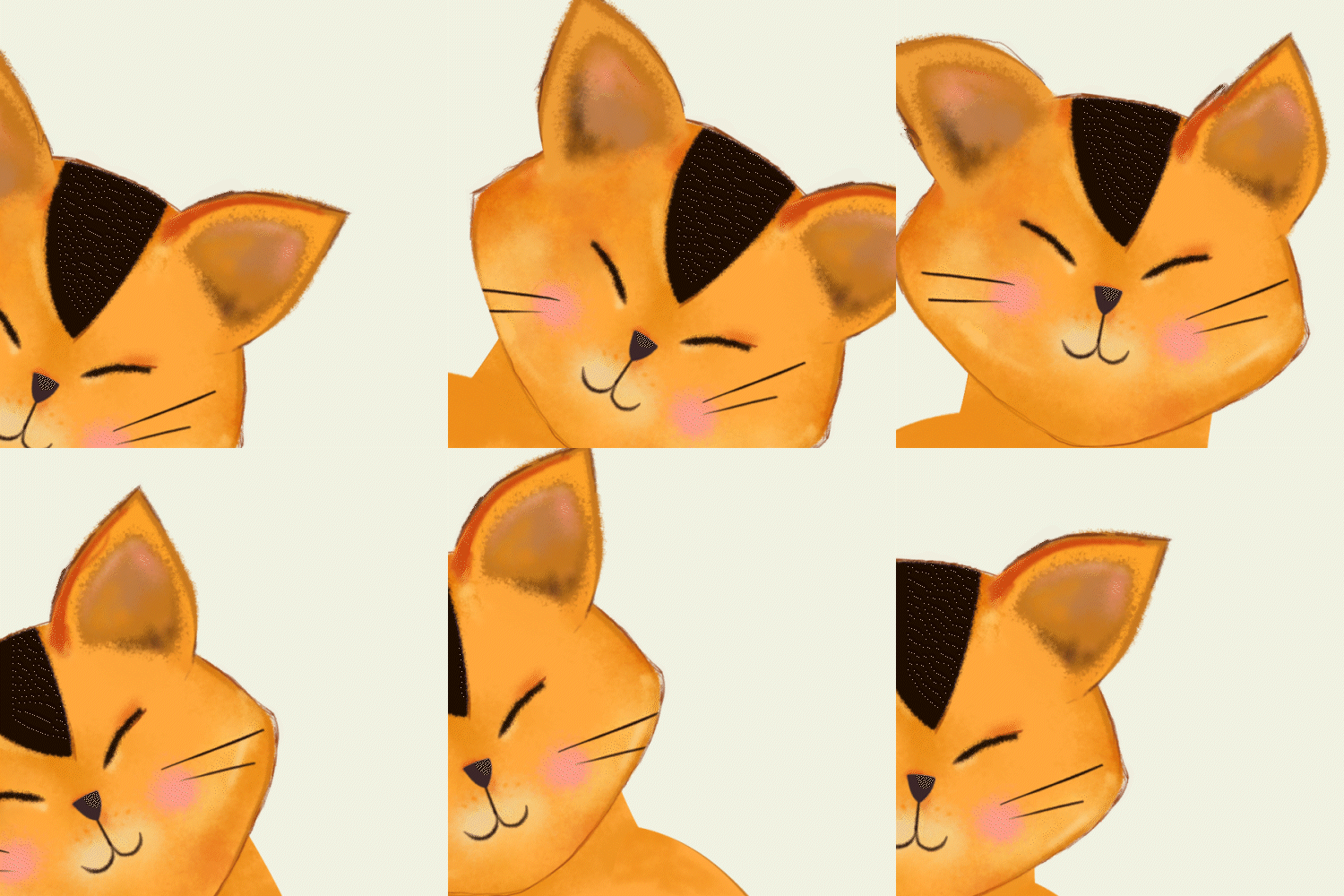
Taking a little break this week, with Mr. Turkey Trot, who I hand painted with the Charcoal Brush (no style), but still plan to hit Light Pastel, Moho-styles next week. 😊
This is around the same time last year when I purchased Moho. wWat a great purchase!!! Even though I didn’t get to start working on it until February of this year …I’ve enjoyed this program way too much ! T
They are having their Black Friday Sale , so if you have been on the fence …now is the time ! 😁🙌
Tip: AE PNG Sequence
Typically, I imported my PNG files individually into a folder and then sequenced them in After Effects. Well… did you know that you could actually import them as a sequence? 🤯 Me either !
Here’s how:
- Go to Import.
- Navigate to your folder.
- Select the first PNG in the sequence you want to import.
- At the bottom, make sure the format is set to PNG.
- Check the PNG Sequence box.
- Click Import.
And voilà, it pulls everything into a single animated layer!
You can then right-click the layer, go to Interpret Footage → Main, and adjust the frame rate if needed to match your animation. Mind blown. 🤯
“And be thankful.”
— Colossians 3:15
thoughts:
I am always so thankful for the man I have spent 28 years with and the beautiful boys I was able to raise from scratch. But I am also incredibly thankful that I have felt well enough to create this year, 2026.
That is something I don’t take for granted.
Feeling thankful. 🙏 nik