Day 29 / 38 – Moho
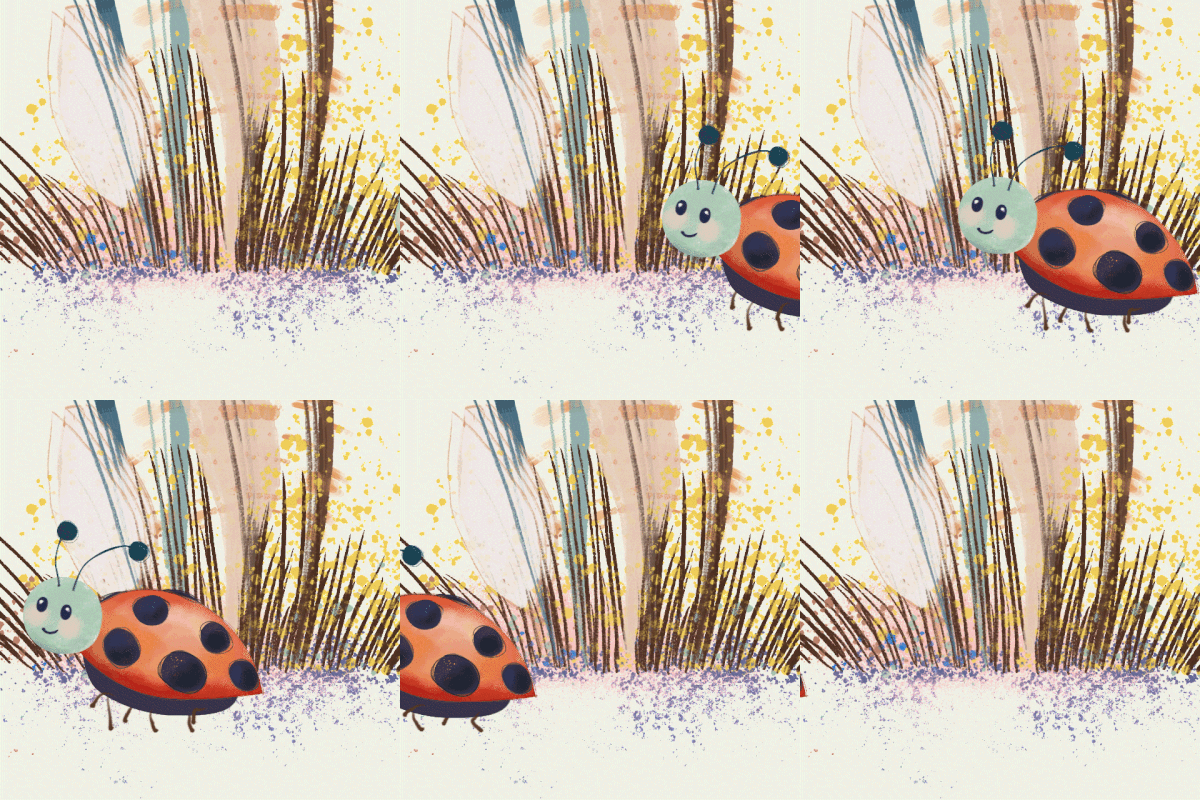
Today was a fast one (and fun) on controlled bones, a way to make one movement drive another. Adjust a bone, trigger a chain reaction. Less keyframing everything by hand, more building little systems inside the rig. Feels a bit like teaching the character how to move itself
Things to Know:
✔ Controlled bones
Setting up the Rig

Go through your normal process of rigging your character. Then find the name of the leading bone on each limb (red).
Think of that as your “starter” bone (B15)…all bones on that limb will follow B15.
Set up Control Bones

Next, you will select the bone after your starter bone on that limb, change the angle to the starter bone (B15) and the delay by 2. Repeat the process down the limb, always adding 2 frames of delay. Now, when you move your controlled bone to animate, the other bones will follow with delay.
“Don’t think about making art, just get it done. Let everyone else decide if it’s good or bad, whether they love it or hate it. While they are deciding, make more art.”
― Andy Warhol
Day 29— Afterthoughts
Well, lesson, you cannot let your emotions control you on this journey. Just keep plugging away. I wasted an entire day on a Procreate bitmap drawing of a very ugly octopus, hideous, I tried to rig. Hated it. The next day I worked on this little hand-drawn Moho octi and had a blast. Up or down doesn’t matter, just have to keep making things.
Still Moving🐙
Nik