Day 21 / 38 – Moho
This is a great video to learn how to structure a vector character and organize it in Moho.
Things to Know:
✔ How to build a Character
Import an Image

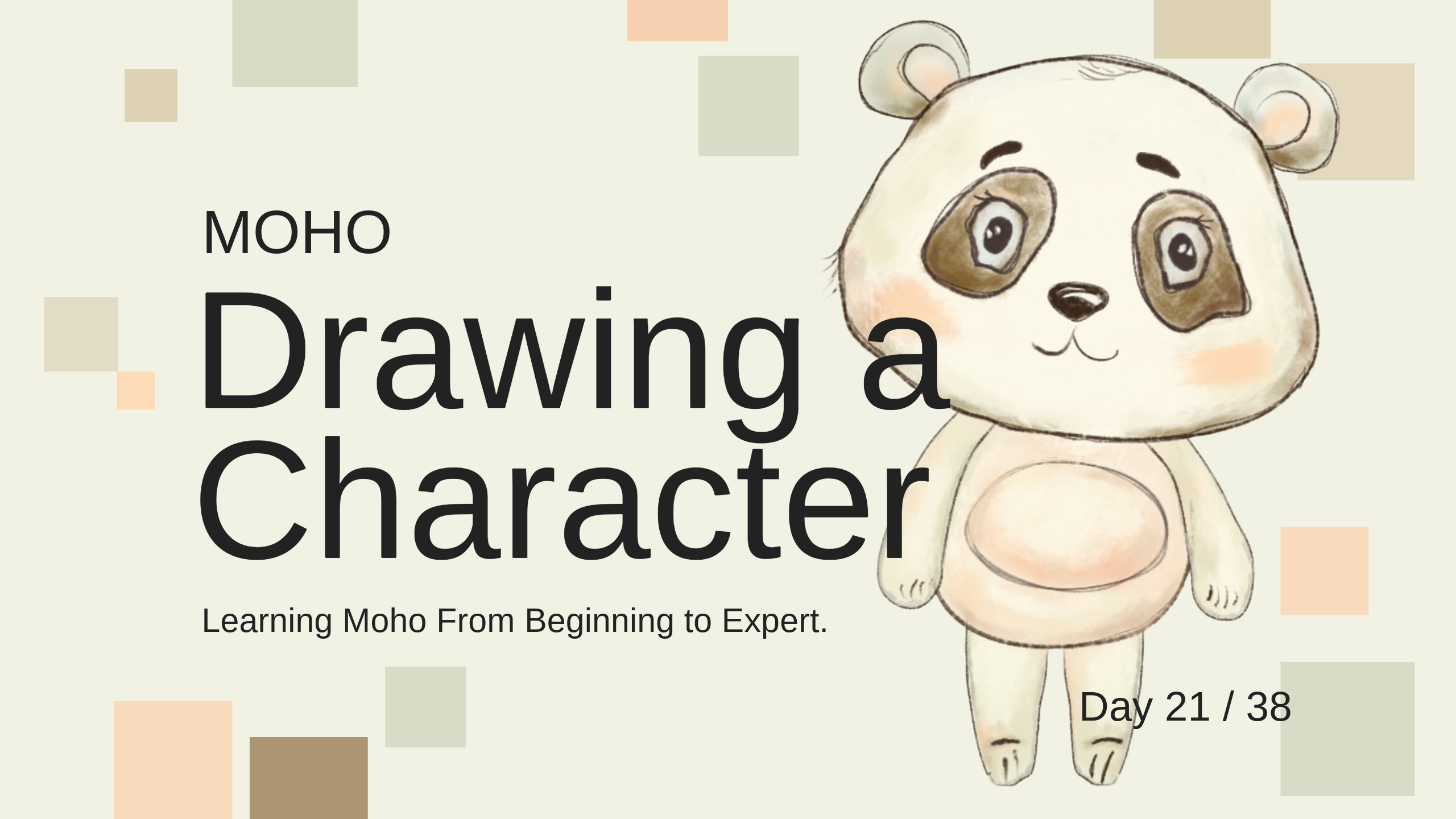
I sketched little panda in Procreate, then brought him into Moho to add color.
- Import an image through general import allows you to turn them on and off
- to lower the opacity, double click on the layer and change opacity to 35%
- If you want a reference image for the color, create a swatch for the character, go to the drop down menu on the swatches and click custom image, it will load your reference image for the swatch.
Character Parts
This week’s lesson focuses on building a character in vectors from top to bottom: head, hair, face, ears, body, and limbs. It’s clear, straightforward, and easy to follow.
I usually work in Procreate, but I know there are limitations to bringing JPEGs into Moho. Vector drawing still isn’t my happy place, Mr. Gnome definitely tested my patience and I don’t really want a repeat. However, I want to keep pushing in the freehand vector tools and spend more time drawing directly in Moho. Here are the simple puppet parts I drew for the character.

“Quit, don’t quit. Noodles, don’t noodles”

Here’s little panda, who still isn’t quite where I want it yet. I’ve been experimenting with different brushes, trying to get closer to the feel I’m used to in Procreate. The control isn’t there yet, but I keep practicing, will see if I can stay patient enough with the process to see a payoff.

Vector breakdown: I have tried painting on one layer, but this time I could not get the colors to lay how I wanted, hence face paint , and face paint 2. ;))

Day 21 — Afterthoughts
Struggled a bit more on the painting side of this one. The dinosaur felt loose and fluid, but this panda ended up feeling tighter, and I couldn’t quite get it to flow the way I wanted.
Still, I pushed through and started rigging. Curious to see how he moves once everything is set up. Looking forward to video 22, rigging vectors vs .psd files.
My time has come. 🐼 Nik