
- Simple Steps to Rig Your Puppet in Adobe Character Animator
 After setting up your puppet files in Photoshop , you will bring the files into Adobe Character Animator. Here, you “pin” the puppet—essentially giving your character a skeleton by placing anchor points with the Puppet Pin Tool. These points control movement, acting like handles,… Read more: Simple Steps to Rig Your Puppet in Adobe Character Animator
 - PS + Character Animator
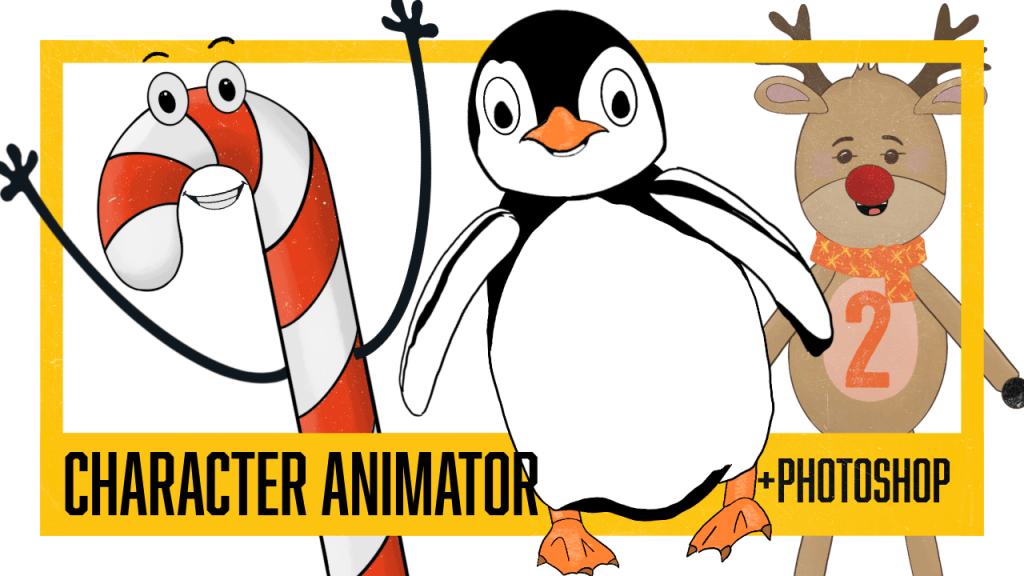
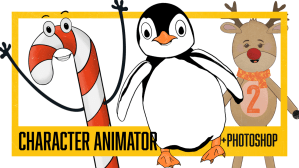 I’ve been continuing to practice rigging in Adobe Character Animator, which reads character files from Photoshop (or Illustrator). I strongly prefer drawing in Procreate, though, so after I finish my artwork I bring everything into Photoshop and reorganize the layers so Character Animator can… Read more: PS + Character Animator
 - Auto Swap
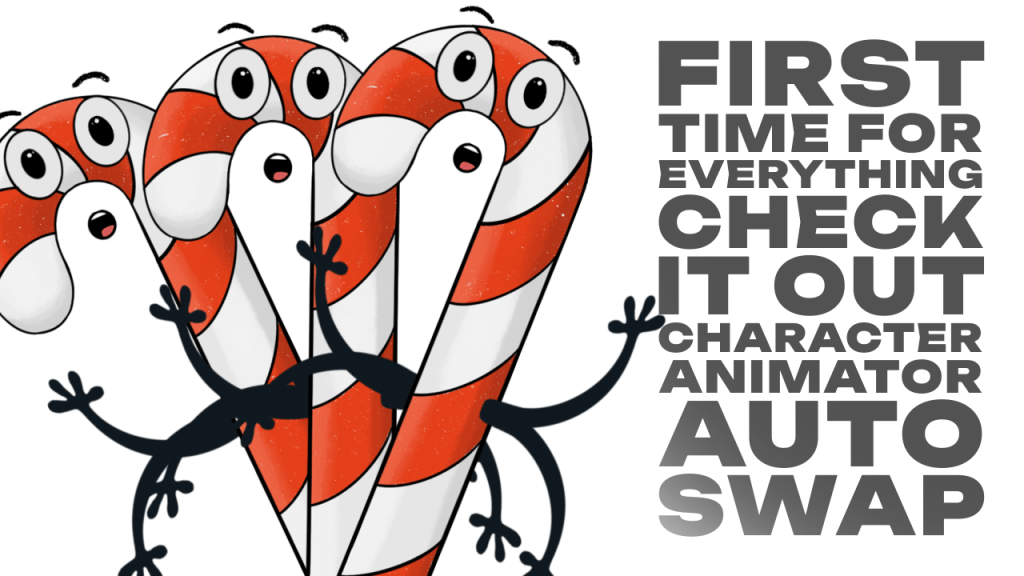
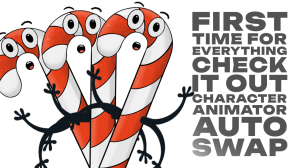 Tried Character Animator Auto Swap for the first time. It was… interesting. Kinda magic, kinda work in progress. I only set it up with two drawy arm drawings, which is probably the bare minimum you can get away with, and it showed. lol Sometimes… Read more: Auto Swap
 - Character Animator
 This might be the most fun creative work has felt in a long time. There’s something so deeply satisfying about getting lost in a new tool—this time, Adobe Character Animator. Who knows how long the program will stay relevant with so many new AI-driven… Read more: Character Animator
 - screen break
 What started as a short December break in 2024, turned into an almost eight-month hiatus. I did finish my master’s degree in Instructional Design and Technology (🎉 hooray for that!), but I’ve also been navigating some medical issues. That’s put me in a strange… Read more: screen break
● About Me
Hello!
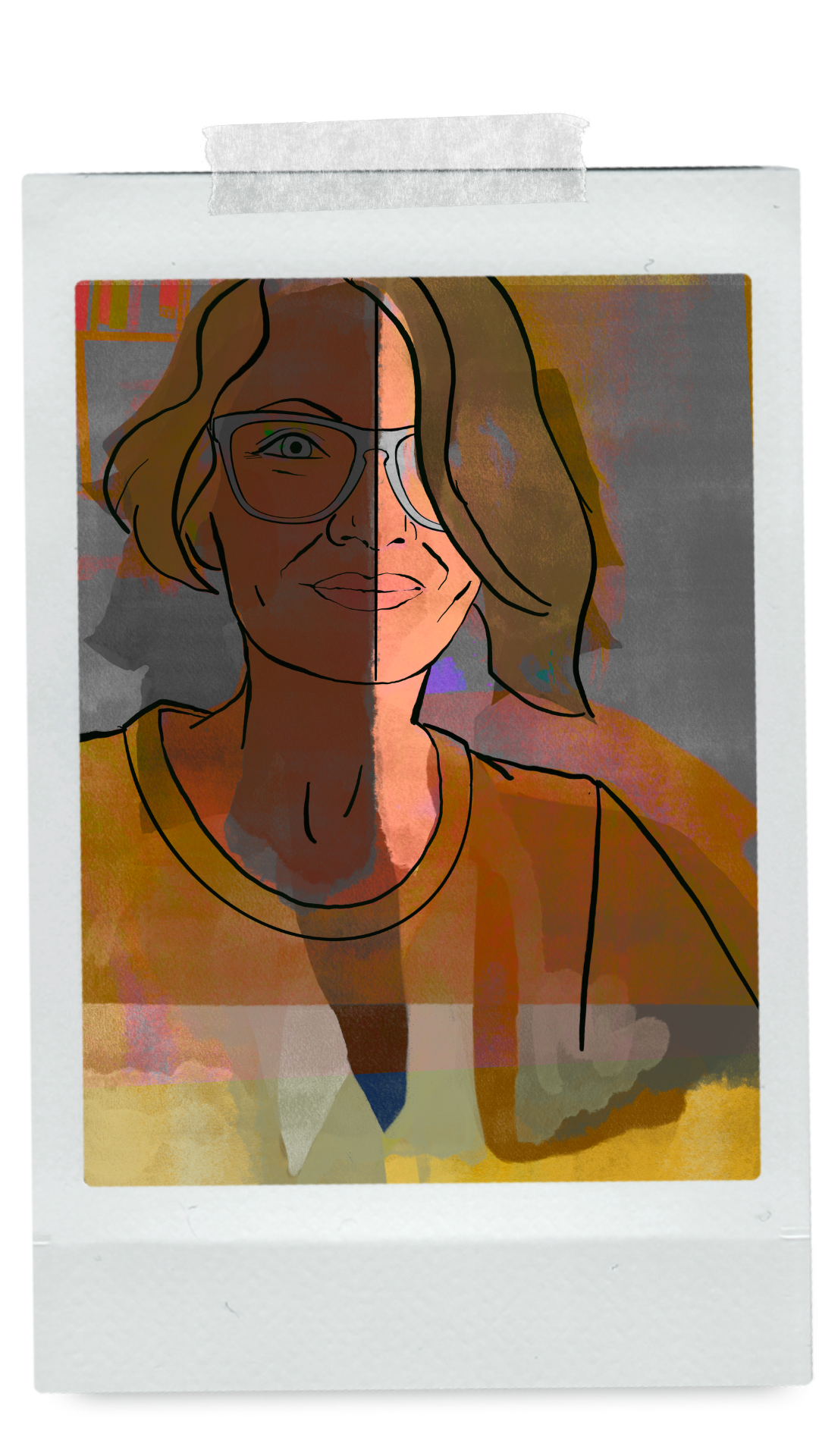
Nikki Tibbett: artist, teacher, instructional designer… sometimes amateur animator.
Connect. Animate. Grow.
 nikolaidesigns.com