
Day 4 / 38 – Moho
Exporting animations. Just a thought off the top—this is an interesting place to put a video about exporting, considering we haven’t made anything worth exporting yet.
But, Talleho, on we go.
Things to Know:
✔ Types of export options
- Export Animation (Ctrl+E)
- Export Animation with Previous Setting
- Moho Exporter
- Export
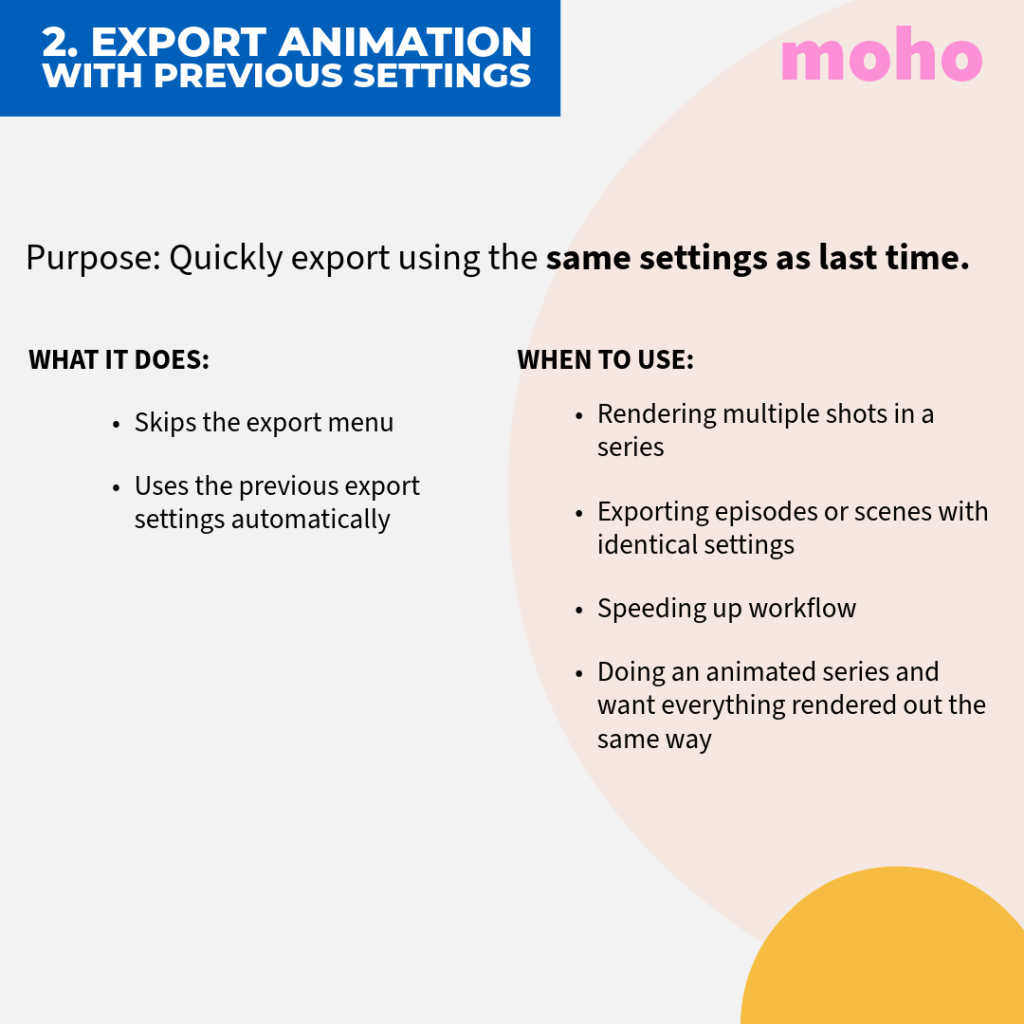
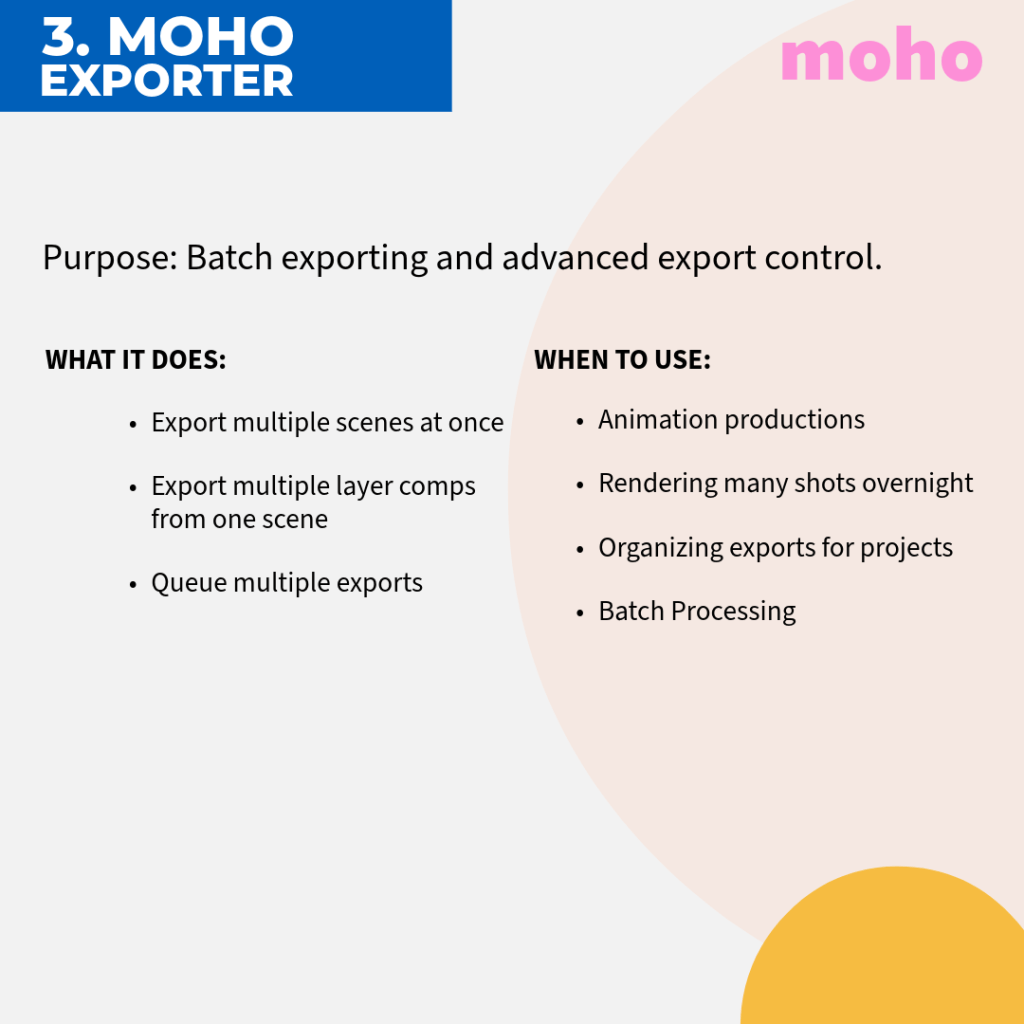
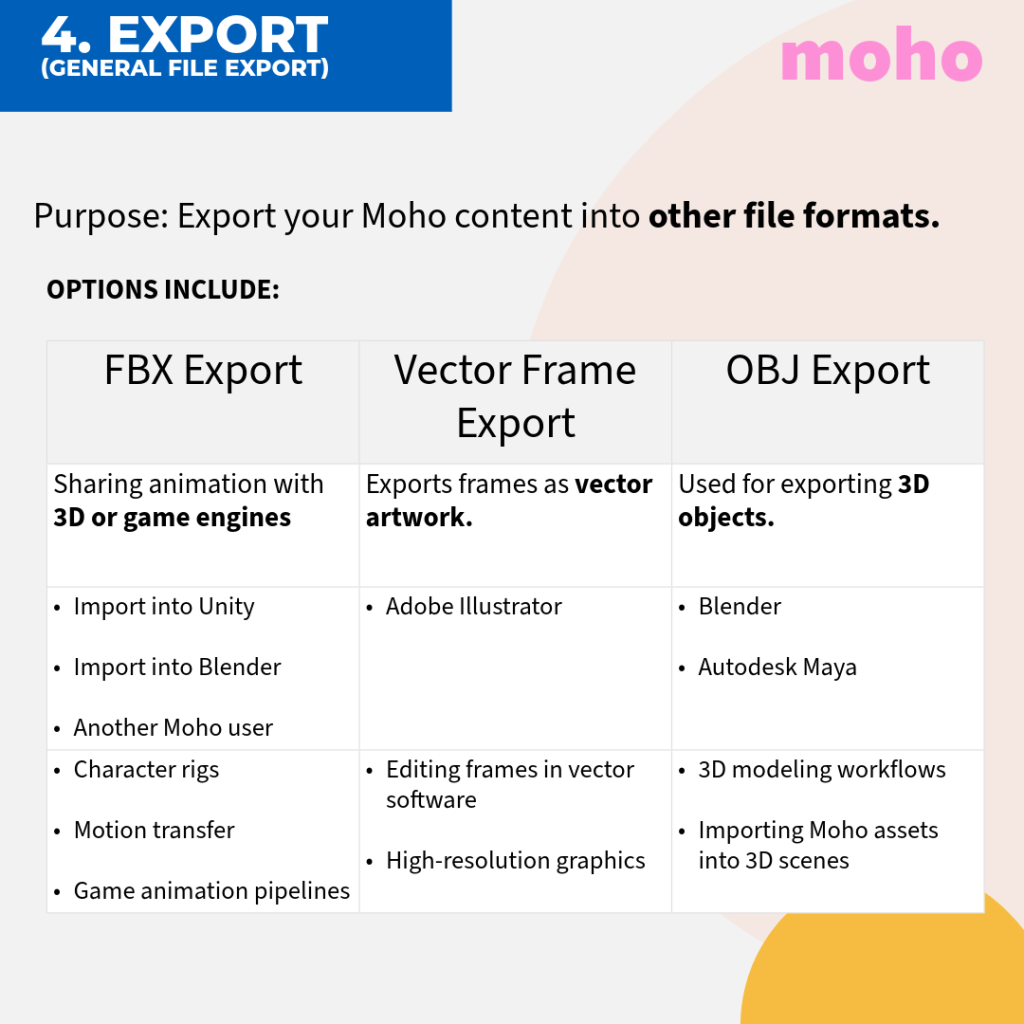
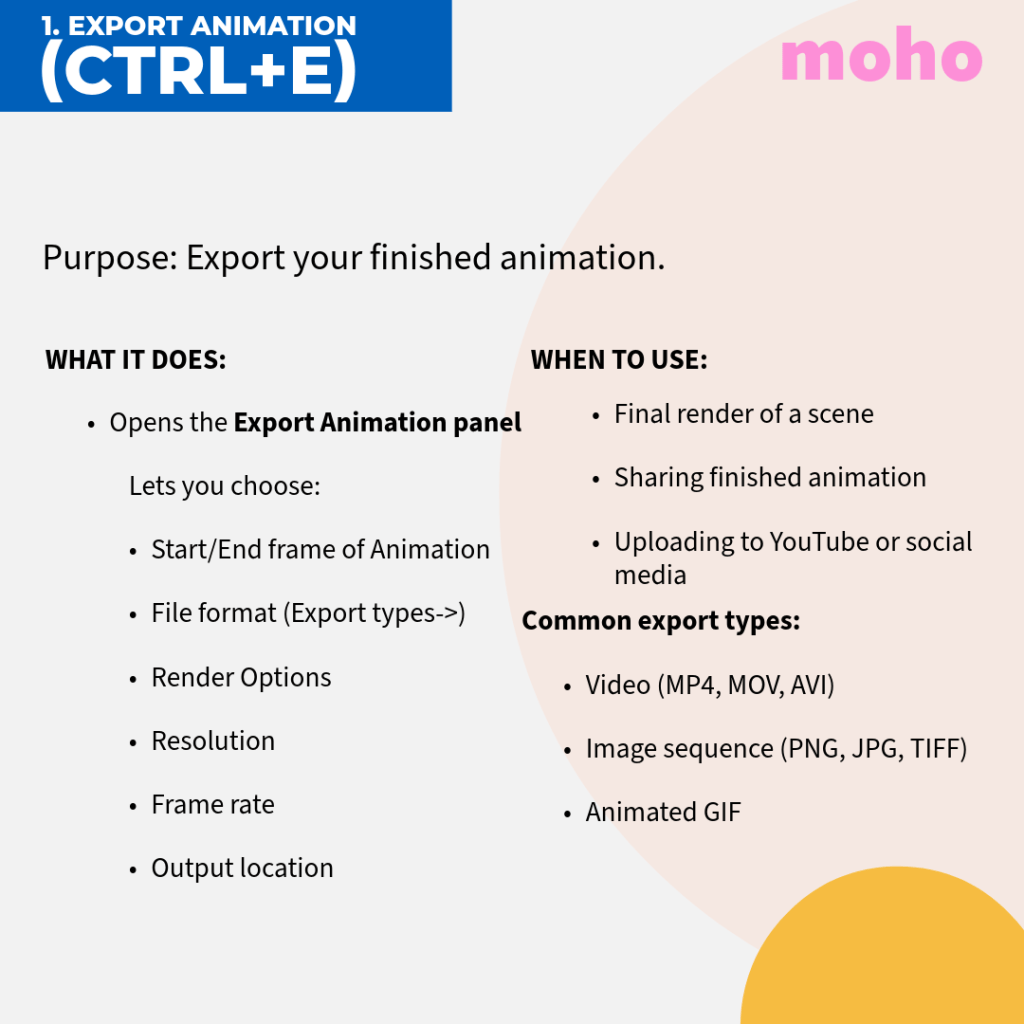
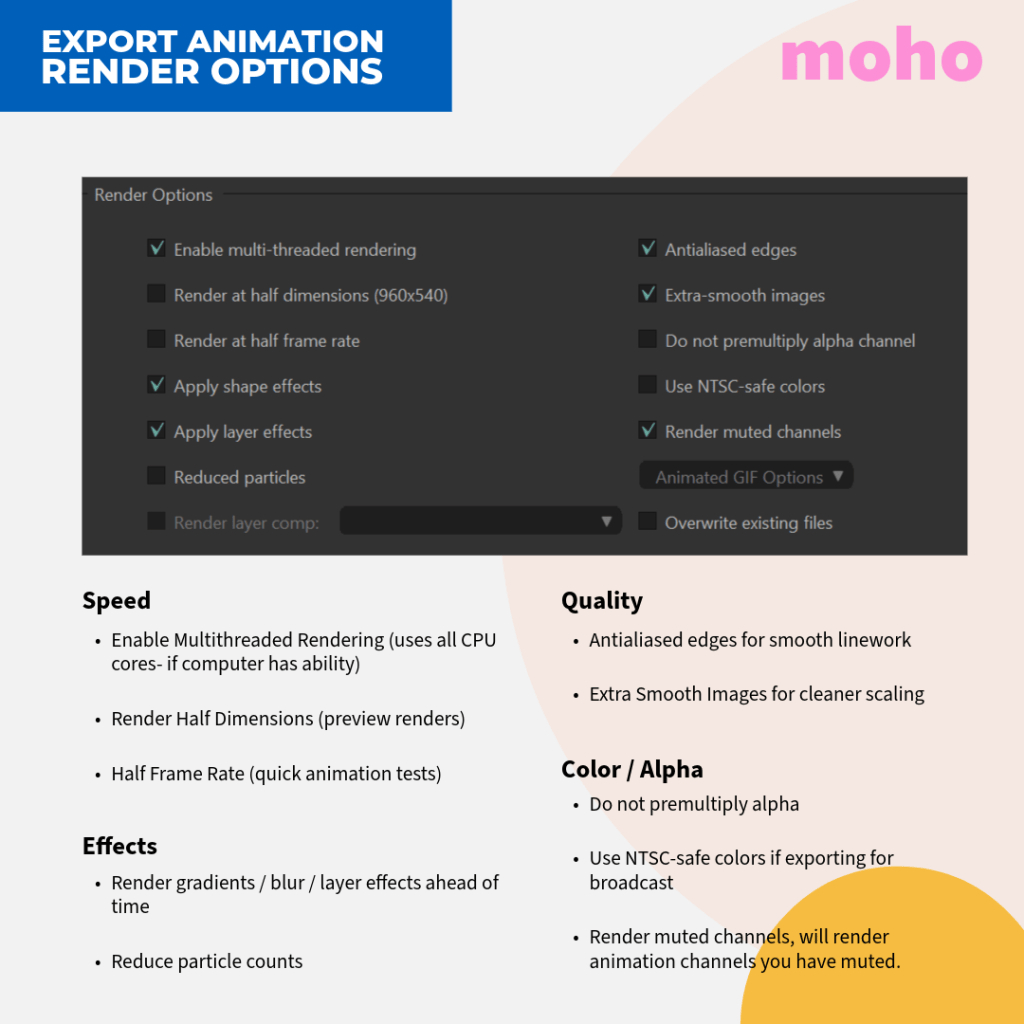
Export animations in Moho by navigating to
File > Export Animation(orCtrl/Cmd+E)
Most of my workflow usually ends up in Adobe After Effects. I animate in Procreate, then bring the sequences in for compositing and editing. So I was curious to see what export options Moho offers. The video hinted at exporting image sequences with transparent backgrounds, which would keep things flexible inside After Effects. After a little digging, it looks a lot like the process I already use when moving PNG sequences from Procreate into After Effects.
Why PNG Sequences for After Effects ? ⭐
- Highest Quality: PNGs maintain clean edges with alpha channels, avoiding potential white outlines.
- No Compression Loss
- Easy to Replace Frames
- Reliability: If a render fails, you can restart from the broken frame, whereas a MOV file would be corrupted.
When to Use MOV:
- Speed & Convenience: If you need a quick preview, a MOV with a QuickTime codec (“Millions of Colors+”) is faster to manage.
Important Tips for Transparency in Moho:
- Ensure Alpha: Ensure the “Include Alpha Channel” box is checked in the export settings.
- Avoid Background Layers: Do not have a background layer active in your project, or the alpha channel will be ignored.
How to use:
- In Moho → Export Animation (Ctrl + E)
- Format → PNG Sequence
- Import sequence into After Effects
In After Effects:
- Import → Select first PNG
- Enable Image Sequence
For more detailed information on exporting in Moho click HERE.
Other fun options to Explore:
Day 4 — Afterthoughts
Exporting from Moho seems pretty straightforward and flexible. Using image sequences with transparency makes it easier to bring animations into Adobe After Effects for compositing and editing. It fits nicely into the workflow I’m already used to. However, when I rendered an MP4, the crisp animation in Moho suddenly looked like a sad little mess. Clearly, I still have a bit more research (and testing) to do.
testing testing mp4
Until next time… keep animating. 🎬 nik


 nikolaidesigns.com