
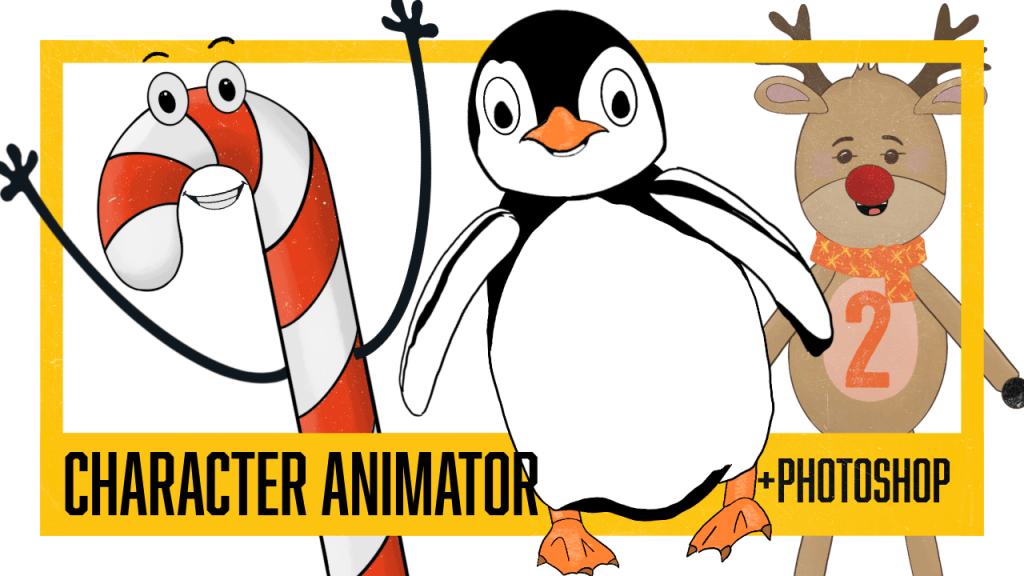
When I first enrolled in IDN-529 Education Media Design Lab at Quinnipiac University, I had never ventured into the realm of Adobe After Effects. Little did I know that my journey through this instructional design graduate program would ignite a newfound desire to conquer After Effects—yes, I now know it’s quite the challenge. Specifically, I became intrigued by the possibilities of combining After Effects with Procreate, exploring the relationship between these two powerful tools in the realm of creative design and educational media.
Fishy on Stage:
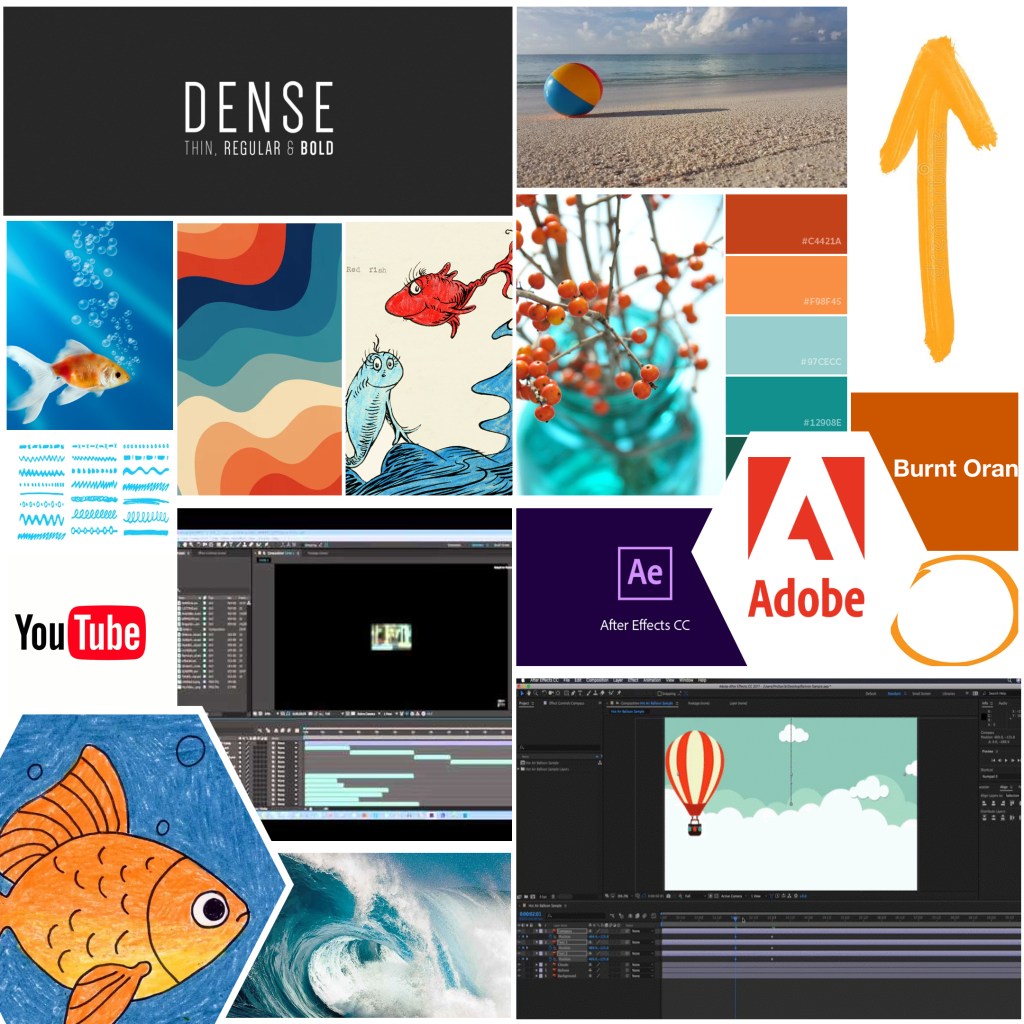
Mood Board IDN 529
Mood boards are incredible tools that help creatives visualize ideas and maintain focus from content to creation. Refining a vision early on can also prevent the need for later, more complex modifications.
Ironically I created this short tutorial video on how to get started in Adobe After Effects, during my second attempt at using the program! Cleary experienced AE users could point out the many many shortcomings based on my limited knowledge of AE the time. However, in some ways the video highlights the advantages of peer learning, where a new user sharing with another new user their experience. While not the purest example of peer instruction (no discussion or collaboration happened with peers). It did highlight that, “Giving explanations to a peer may encourage explainers to clarify or reorganize information, recognize and rectify gaps in understandings, and build more elaborate interpretations of knowledge than they would have alone (Bargh & Schul, 1980; Benware & Deci, 1984; King, 1992; Yackel, Cobb, & Wood, 1991).
Sometimes, a teacher or expert can overlook how overwhelming tackling a new subject can be. With their vast knowledge, they may forget the challenges faced by novices. Conversely, new users, such as students, tend to simplify the subject matter, focusing on its basic building blocks due to their limited understanding. In this case, the learning objectives—focusing on important hardware for After Effects, introducing the basic structure of the program, explaining its functions, and encouraging simplicity for new users—were all addressed.
In this instance, I was delighted that the video remained faithful to my vision and mood board. I was particularly pleased with the utilization of the stage as a means to explain After Effects functions. In fact, I would eagerly explore this example again, if I were to pursue another project on how to work in AE.
However, there are also several changes that would help the video, starting with the video size recommendations, the timing of segments, and the use of my own voice for narration, Hearing my own voice is something I don’t know that I will ever get used to. Working through my own hardware issues at the time, the lag time when replaying the video during the editing process was severe. As a result, some of the timing of the learning sections is off, and the first half of the video should be shortened.
Bottom Line: this video is a simple explanation of AE and may inspire a new AE user to try the program. Even so, my recommendation is that anyone serious about learning After Effects should take, School of Motions, After Effects Kickstart, which is a great way to jumpstart your learning in After Effects, the right way!!
 nikolaidesigns.com
Leave a Reply